Is 8GB RAM Enough for a Laptop? 8GB vs 16GB vs 32GB Explained
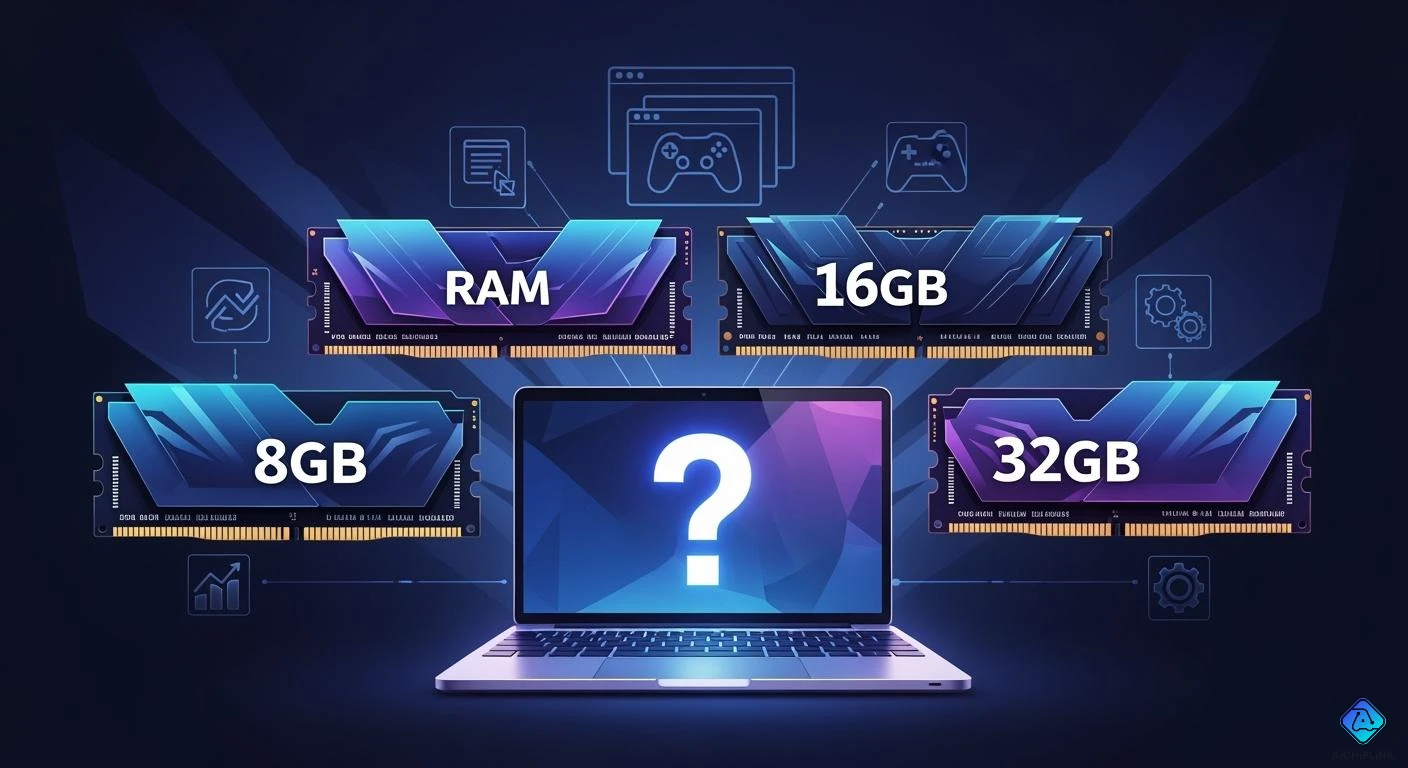
You might wonder if 8GB RAM Enough for a laptop in 2024. The answer really depends on how you use your laptop each day. Maybe you just browse the web, stream videos, or join online classes. Some of you play games, work, or create videos. Everyone has different needs when it comes to speed and performance. Let’s figure out what makes sense for you.
Key Takeaways
-
8GB RAM works well for simple tasks like browsing and streaming. It is also fine for light gaming. It does a good job unless you open many things at once.
-
16GB RAM is better for people who do more things at the same time. It is great for gaming and running many apps. Most games and apps run smoothly with 16GB RAM.
-
32GB RAM is best for people who use their laptop for hard tasks. It is good for high-end gaming or creative work. It keeps your laptop running well with tough software.
-
Think about what you will need later when picking RAM. Getting 16GB or 32GB can help your laptop last longer. Software may need more RAM in the future.
-
Always see if your laptop lets you add more RAM. Some laptops do not let you upgrade RAM. Others let you add more later.
8GB RAM: Enough for a Laptop?
Basic Tasks and Browsing
You might wonder if 8gb ram is enough for a laptop when you just want to browse the web, check emails, or watch YouTube. For these basic tasks, 8gb ram usually does the job well. You can open a few browser tabs, stream music, and work on school assignments without much trouble. If you join online classes or use office apps, you will find that 8gb ram enough for a laptop in most cases. You do not need to worry about slowdowns unless you start opening many programs at once. If you plan to buy an 8gb laptop for simple tasks, you will likely feel satisfied with the performance.
Light Gaming and Streaming
Do you like to play games like Minecraft or League of Legends? Maybe you enjoy streaming your favorite shows. For light gaming and streaming, 8gb ram enough for a laptop if you stick to less demanding games. You can play, chat with friends, and watch videos without big problems. If you do not run many apps at the same time, 8gb ram will keep things smooth. Many casual gamers still use 8 gb ram and feel happy with the results. If you want to buy an 8gb laptop for light gaming, you can expect a good experience as long as you do not push it too hard.
Tip: If you want to play newer or more advanced games, you may notice some lag or slowdowns. Modern games often need more than 8gb ram to run well.
Limitations of 8GB RAM
You may ask, "Is 8gb ram enough for everything?" The answer is no. There are some clear limits. When you try to multitask with many apps or browser tabs, 8gb ram can start to struggle. If you use heavy programs like video editors or want to run creative software, 8gb ram is not enough for a laptop. Most creative apps, such as Adobe Photoshop or Premiere, recommend at least 16GB for smooth work. If you buy an 8gb laptop and try to play the latest games or run local AI tools, you will likely see slowdowns.
Here are the most common problems people face with 8gb ram:
-
8gb ram is often not enough for gaming, creative work, and running local AI applications.
-
You may see performance bottlenecks when multitasking or using demanding software.
-
Modern games usually need more than 8gb ram to run smoothly.
-
Creative apps like Photoshop and Premiere suggest 16GB for best results.
Let’s look at how 8gb ram compares to higher options:
| RAM Capacity | Use Case Description | Performance Impact |
|---|---|---|
| 8 GB | Basic use (email, streaming, light web, office apps) | May suffice but struggles under heavier workloads |
| 16 GB | Everyday multitasker (dozen tabs, Teams/Slack) | Avoids most paging and slowdowns |
| 32 GB | Creative professionals (video editing, complex tasks) | Required for heavy workflows |
If you only need a laptop for simple tasks, 8gb ram enough for a laptop. If you want to do more, like heavy multitasking or creative work, you may want to look at 16GB or 32GB instead. Before you buy an 8gb laptop, think about what you want to do now and in the future.
16GB RAM: The Sweet Spot
Moderate Multitasking
You probably want your laptop to handle more than just basic tasks. If you open lots of browser tabs, chat with friends, and run apps at the same time, you need good multitasking. With 8gb ram, you might notice your laptop slowing down when you try to do too much. 16 gb ram gives you a big boost. You can switch between apps, stream music, and work on documents without feeling stuck. Multitasking feels smooth, and you don’t have to worry about closing programs to keep things running. You can even join video calls while working on projects. If you like to keep many things open, 16 gb ram makes multitasking easy.
Gaming and Creative Work
If you play games or create videos, you want your laptop to keep up. 8gb ram works for older games, but new games need more power. With 16 gb ram, you can play most AAA games and run other apps in the background. Creative work also gets easier. You can edit photos, make videos, and use creative software without lag. Here’s a quick look at how 8gb ram and 16 gb ram compare for gaming and creative work:
| RAM Size | Gaming Performance | Creative Work Performance |
|---|---|---|
| 16GB | Smooth performance for most AAA titles, supports multitasking like streaming and running background apps. | Suitable for light editing and multitasking. |
| 8GB | Works for older or less demanding games, not ideal for AAA games released in the last few years. | Adequate for basic tasks only. |
Note: If you want to stream while gaming or edit videos, 16 gb ram helps you multitask without slowdowns.
Upgrading from 8GB to 16GB
Thinking about upgrading your laptop? Moving from 8gb ram to 16 gb ram feels like getting a new machine. You notice faster load times, smoother multitasking, and fewer crashes. You can open more apps, play games, and work on creative projects all at once. If you use 8gb ram now, you will see a big difference after upgrading. Multitasking becomes simple, and your laptop feels ready for anything. You don’t have to worry about lag or freezing when you push your laptop harder.
32GB RAM: For Power Users
High-End Gaming
Do you love playing the newest games with the best graphics? If you want to run the latest AAA titles, 32gb ram gives you a real edge. You can play games, stream, and chat with friends all at once. Your laptop will not slow down, even if you have other apps open in the background. Many new games use more memory than before, so 32 gb ram helps you stay ready for the future. If you want to future-proof your gaming setup, this is a smart choice. When you look at a ram comparison, you will see that 32gb ram stands out for high-end gaming.
Professional Editing and 3D Work
Are you into video editing, 3D modeling, or special effects? 32 gb ram is a game-changer for creators. You can edit 4K videos, work on visual effects, and handle mid-size 3D projects without slowdowns. Your laptop can run several creative apps at once, making your workflow smooth and fast. Many professionals see 32gb ram as the practical minimum for serious editing and 3D work. You will not have to worry about crashes or lag when you work on big projects. In a ram comparison, 32 gb ram always comes out on top for creative tasks.
Note: 32gb ram lets you multitask with heavy programs, so you can keep your creative flow going.
Is 32GB Overkill?
You might wonder if 32 gb ram is too much for most people. For basic tasks like browsing, streaming, or schoolwork, you do not need this much memory. Most users feel happy with 8GB or 16GB. But if you want to play the newest games or work with big creative files, 32gb ram makes sense. Here’s a quick look at who really needs this much memory:
-
32gb ram is great for demanding tasks like video editing and gaming.
-
Everyday users usually need only 8GB to 16GB.
-
Gamers who want to future-proof their laptops will benefit from 32 gb ram.
If you want the best performance and plan to use your laptop for years, 32gb ram is a strong choice. But for most people, it might be more than you need.
How Much RAM Do You Need?
Check Whether 8GB Is Enough
You might wonder how much ram do you need for your daily tasks. If you mostly browse the web, check emails, or stream videos, 8GB can work well. You should keep the number of open apps and browser tabs low. If you play older games or use simple programs, you may find 8GB enough. For newer games or heavy multitasking, you might notice slowdowns. Always check whether 8gb is enough by looking at the system requirements for your favorite apps and games. If you want a laptop that feels quick for basic use, 8GB is still a good starting point.
| RAM Size | Use Case Description |
|---|---|
| 4GB | Basic tasks like browsing and email. Good for budget laptops or Chromebooks. |
| 8GB | Daily use with several tabs, streaming, and light photo editing. Ideal for most mid-range laptops. |
| 16GB | Great for editing videos, running many apps, or playing modern games. |
| 32GB+ | Needed for 3D work, high-end video editing, or running virtual machines. |
Future-Proofing Your Laptop
You want your laptop to last for years. Software keeps getting bigger and needs more memory. Right now, 16GB is the best choice for most people who want to keep their laptop running smoothly in the future. If you plan to use your laptop for gaming or creative work, 32GB will help you stay ahead. When you ask how much ram do you need, think about what you might do in a few years. Laptops with more RAM handle new apps and updates better. You can avoid slowdowns and enjoy a faster laptop for longer.
-
8GB is still okay for basic tasks, but it is now the minimum for new laptops.
-
16GB is the new standard for multitasking and modern apps.
-
32GB is best for heavy multitasking, gaming, and creative work.
Budget and Upgrade Options
Your budget matters when you decide how much ram do you need. Upgrading from 8GB to 16GB usually costs about $60 to $120. If you want 32GB, the price goes up more. Some laptops let you upgrade RAM later, while others do not. Before you buy, check whether 8gb is enough for your needs or if you should spend more now to save money later.
| RAM Size | Average Cost |
|---|---|
| 8GB | $60 or more |
| 16GB | $120 and up |
You can also look at the type of RAM your laptop uses. DDR4 is common and works well for most people. DDR5 is newer and faster, but it costs more.
Tip: If you want to upgrade later, make sure your laptop has extra RAM slots.
You want the right RAM for your laptop. If you do basic tasks, 8GB works but feels tight soon. For most users, 16GB gives you smooth multitasking and keeps your laptop fast. Power users and creators should pick 32GB for heavy apps and future needs. Check this table for a quick guide:
| User Type | Recommended RAM |
|---|---|
| Basic | 8GB |
| Moderate | 16GB |
| Power User | 32GB |
Tip: Buying more RAM now helps your laptop last longer.

Written by Jack Elliott from AIChipLink.
AIChipLink, one of the fastest-growing global independent electronic components distributors in the world, offers millions of products from thousands of manufacturers, and many of our in-stock parts is available to ship same day.
We mainly source and distribute integrated circuit (IC) products of brands such as Broadcom, Microchip, Texas Instruments, Infineon, NXP, Analog Devices, Qualcomm, Intel, etc., which are widely used in communication & network, telecom, industrial control, new energy and automotive electronics.
Empowered by AI, Linked to the Future. Get started on AIChipLink and submit your RFQ online today!
Frequently Asked Questions
Can you upgrade RAM in any laptop?
Not every laptop lets you upgrade RAM. Some laptops have RAM soldered to the motherboard. Always check your laptop’s manual or ask the seller before you buy. If you want to upgrade later, look for laptops with extra RAM slots.
Is it okay to mix different RAM sizes or brands?
You can mix RAM sizes or brands, but your laptop may not run at the fastest speed. For best results, use the same size and brand. Your laptop will work more smoothly and avoid random crashes.
Does more RAM help battery life?
More RAM does not always mean better battery life. If you use heavy apps, more RAM can help your laptop run smoother. For basic tasks, extra RAM may use a bit more power, but you probably won’t notice a big difference.
How much RAM do you need for gaming?
For most modern games, you need at least 16GB RAM. Some older games work with 8GB, but new games run better with more. If you want to stream or multitask while gaming, 16GB or 32GB is best.
Will adding more RAM make my laptop faster?
Adding more RAM helps your laptop run faster if you often run out of memory. If you already have enough RAM for your tasks, adding more may not make a big difference. Always check your usage first!