how decoupling capacitors improve power integrity in AI accelerators
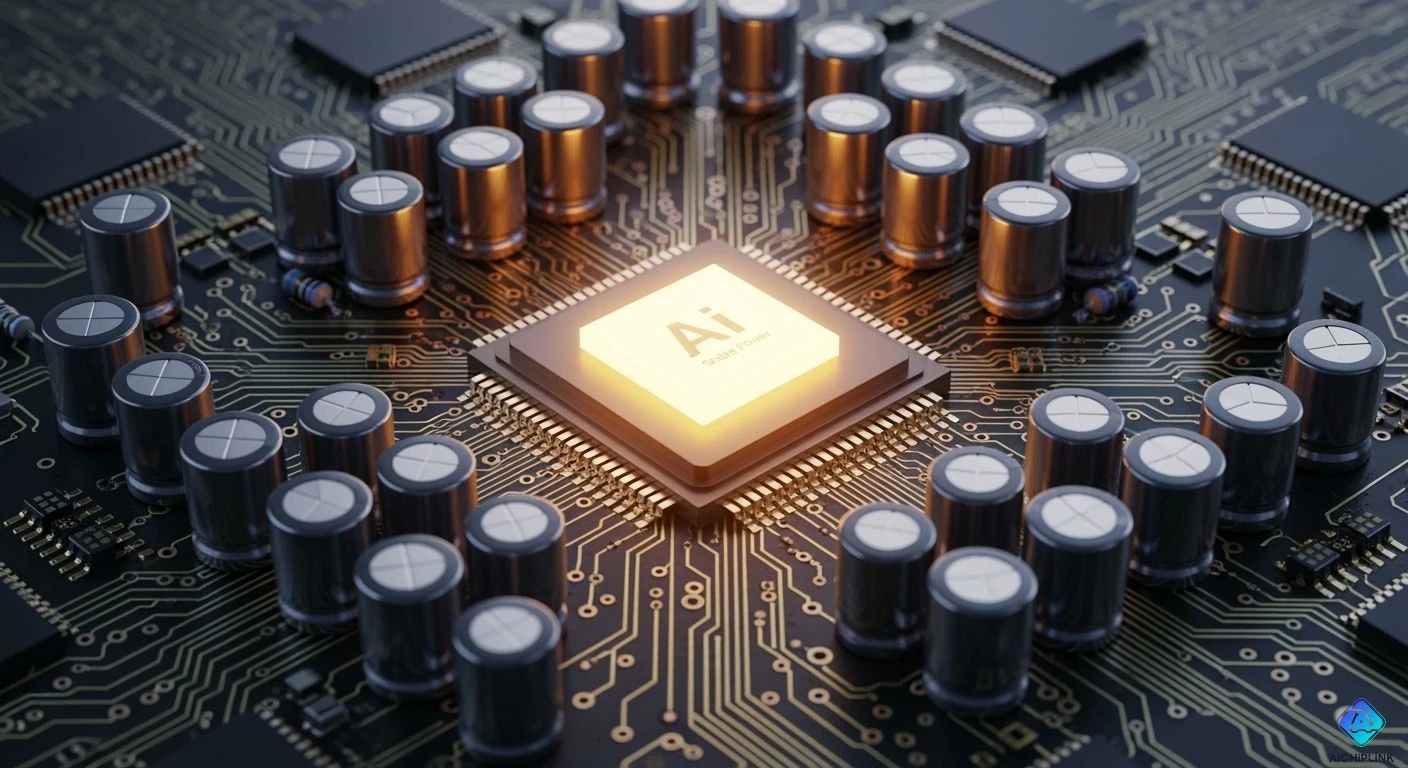
You need steady power for your AI accelerator to work well. Decoupling capacitors for AI accelerators act like small energy stores. They give energy fast when your processor needs it. These capacitors help stop noise and keep voltage steady. This helps you avoid sudden drops that can hurt your AI hardware.
| Requirement | Description |
|---|---|
| Voltage Level | Low-voltage (0.7V) |
| Current Demand | High-current (1000A+) |
| Transient Response | 2000A/μs |
| Solutions | Move conversion point close to processor; Put decoupling capacitors under processor; Lower PDN impedance |
Key Takeaways
-
Decoupling capacitors store energy nearby. They give fast power to AI accelerators when needed. This keeps voltage steady. It stops sudden drops that can hurt hardware.
-
Stable power integrity is very important for AI. It lowers errors and timing problems. It makes sure AI systems work well and reliably.
-
Decoupling capacitors must be placed correctly. Put them close to power pins. This lowers noise and makes response faster. It helps the whole system work better.
-
Using different capacitor types helps control fast noise and slow power changes. This keeps impedance low at many frequencies.
-
Make decoupling strategies a top priority in your designs. This keeps AI hardware safe, efficient, and ready for tough jobs.
Power Integrity in AI Accelerators
Definition & Importance
Power integrity means your AI accelerator always gets steady power. The voltage should not change much, even when the chip works hard. If voltage goes up or down too fast, your hardware might not work right. Good power integrity keeps your AI hardware safe and helps it last longer. This is important because AI accelerators use a lot of energy very quickly. Keeping power integrity high protects your system from damage and makes sure it works as it should.
Tip: Always check the power delivery network in your AI system. This helps you find problems before they cause errors.
Impact on AI Performance
Power integrity really affects how well your AI accelerator works. If you lose power integrity, you can have many problems, like:
-
Voltage noise from many parts switching at once can make your AI chip have mistakes.
-
When your AI accelerator does lots of work, voltage noise can get worse. This can cause timing errors or even bit-flips in your data.
-
Small voltage changes can cause big errors in fast AI systems.
-
Power quality problems cause almost 40% of unplanned server outages. This can hurt companies that use AI models, especially for important jobs.
You want your AI accelerator to run fast and give the right answers every time. Stable power means fewer errors and better results. When you focus on power integrity, you help your AI system do its best.
Challenges to Power Integrity
Voltage Fluctuations
AI accelerator systems often have voltage changes. This happens because AI workloads change fast. When many parts switch tasks together, power needs can jump or drop. These changes happen when you go from computing to sending data. Fast power swings also happen during cold starts or shutdowns. Training big AI models across many GPUs can cause these swings too. These swings can make your system unstable.
If you do not control voltage changes, your hardware can get damaged. You may see unexpected reboots and spend more money. Parts can get hot and wear out faster. Power supply units may overheat or break if pushed too hard. Sudden spikes can overload backup systems and make them last less time.
High-Frequency Noise
High-frequency noise is a big problem with fast processors. Quick signals make electromagnetic interference that can leak into other parts. This noise can cause crosstalk, where signals jump between wires and make errors. You may also see ground bounce and power delivery noise. These problems can distort signals and make data less reliable.
Dense AI hardware with high I/O speeds makes it hard to keep signals clean. You can space out fast signal lines to help. Adding ground planes and using shielding can block noise. These steps protect your data and keep your system running well.
Transient Current Demands
When your AI accelerator works fast, it can suddenly need lots of current. During busy times, your system may use up to 90% of its top power. Tasks like matrix math and attention steps need this power. These bursts can reach tens of kilowatts in microseconds or milliseconds. Sometimes, you see spikes that last for seconds during big training jobs.
Fast current changes can make voltage drop quickly. This shrinks timing margins and can slow down your chip. If voltage drops too much, your system may crash or give wrong results. You need a strong power network to handle these surges and keep voltage steady.
Decoupling Capacitors for AI Accelerators
Local Energy Reservoirs
AI hardware needs quick and steady power to work well. Decoupling capacitors for ai accelerators are like tiny batteries near the processor. When your AI chip suddenly needs more current, these capacitors give energy right away. This stops voltage from dropping when the workload gets heavy. You see this when your system goes from resting to full speed very fast. Decoupling capacitors for ai accelerators help your hardware keep up with these changes.
Imagine these capacitors as water tanks. They fill up when you do not need much power. They release water when you need a lot. This way, your AI accelerator always has enough, even when it is very busy.
Noise Suppression
AI accelerators switch signals very fast. This makes high-frequency noise that can move through power lines and cause mistakes. Decoupling capacitors for ai accelerators help block this noise. They give noise a short path to ground, so it does not spread. Using these capacitors lowers the chance of crosstalk and signal mistakes.
You can see the difference in numbers. With decoupling capacitors for ai accelerators, voltage changes drop from 0.48V to 0.10V. Noise also goes down by 10dB. These changes make your AI system more stable and safe.
-
Decoupling capacitors for ai accelerators lower noise by:
-
Putting capacitors close to the chip to shorten the noise path.
-
Using very thin capacitors to fit more in small spaces.
-
Lowering source impedance, especially at high frequencies.
-
Voltage Stabilization
You want your AI accelerator to get the same voltage all the time. Decoupling capacitors for ai accelerators help keep voltage steady, even when your chip works hard. They smooth out bumps in the power and stop sudden drops. Placing these capacitors close to where power is used cuts down resistance and inductance. This makes your power delivery network stronger and faster.
Putting decoupling capacitors for ai accelerators right under the processor works best. You get better power integrity and your system reacts quickly to changes.
This setup gives you better power delivery. Your AI hardware can handle fast changes and keep working without mistakes. Decoupling capacitors for ai accelerators help your system stay safe, fast, and ready for anything.
Benefits for AI Accelerators
Improved Reliability
You want your system to work each time you use it. Decoupling capacitors help make this happen. They keep power steady, so your ai hardware does not lose voltage suddenly. When you use gpus and ai accelerators, power needs can change fast. These capacitors store energy close to the processor. They give power right away when it is needed. This lowers timing problems and keeps your data safe.
Decoupling capacitors protect your hardware from damage caused by unstable power. Your systems last longer and break less often.
Reduced Errors
When power is stable, your ai workloads have fewer mistakes. Decoupling capacitors stop voltage from changing too much. This helps prevent setup-time problems and silent data errors. You avoid latches grabbing wrong values, which can cause hidden mistakes.
-
Decoupling capacitors help you:
-
Keep the power delivery network steady during heavy loads.
-
Hold voltage levels and stop dips below what logic cells need.
-
Lower timing problems and data errors.
-
| Evidence Type | Description |
|---|---|
| Decoupling Capacitors | Work as local charge stores to lower dynamic IR drop, cutting timing problems and data errors. |
Enhanced Performance
Your ai accelerator works faster and better with clean power. Decoupling capacitors help signals stay clear and power flow well. This means higher speed and less waiting, especially when you need quick data moves.
| Performance Metric | Benefit Description |
|---|---|
| Power Delivery Efficiency | Gets better because loop inductance is lower |
| Effective Bandwidth | Grows with better decoupling |
| Voltage Ripple | Drops during fast switching |
| Transient Response | Gets better with less voltage change |
| Noise Reduction | Noise and electromagnetic interference go down |
| EMI Reduction | Less conducted and radiated EMI |
You get results faster and wait less. Decoupling capacitors help your ai system handle hard jobs and big tasks.
Placement & Selection
Best Practices
You have to put decoupling capacitors in the right spots. This helps your AI accelerator stay strong and fast. Here are some easy tips to follow:
-
Use a few capacitors with the same value together. This helps cover many frequencies and stops power problems.
-
Put small capacitors close to power pins. They react fast to quick changes.
-
Place big capacitors near where power comes in. This keeps the main power line steady.
-
Make the loop area small by putting vias next to capacitor pads. Connect them straight to power and ground planes to lower inductance.
-
Do not put long traces between capacitors and vias. If you need traces, keep them short and wide for less impedance.
-
Give each power rail its own group of decoupling capacitors. This meets each rail’s needs and keeps impedance low.
-
Put capacitors as close as you can to IC power pins. This helps fast circuits and stops EMC problems.
-
Use more than one via to connect capacitors to power and ground planes. This makes the loop area smaller and lowers via inductance.
-
Place capacitors right on the power plane with short vias. This stops trace stubs.
-
Connect the component pin to the capacitor first, then to the via. This keeps the current path short and filters noise.
Tip: If you follow these steps, voltage stays steady and signals stay clear. Your AI accelerator will work better and last longer.
Choosing Capacitor Types
You need to pick the right kind of capacitors for your AI accelerator. Different types and values help with both fast noise and slow power changes.
-
Silicon capacitors keep power steady. They cut down noise and stop voltage swings during AI work.
-
Put capacitors for different frequency ranges. This blocks fast noise and handles slow changes.
-
Use multi-layer capacitor arrays with different values. This keeps impedance low for all frequencies.
-
Try using simulations to pick the best capacitor types and spots. This helps your AI system get the best power integrity.
| Key Aspect | Explanation |
|---|---|
| Voltage Stability | Good placement lowers inductance. Capacitors react fast to changes. |
| Signal Integrity | Decoupling capacitors store energy. They cut noise and help performance. |
| Placement Guidelines | Small capacitors go near power pins. Big ones can be farther away. |
| Common Practices | Put at least one small capacitor (0.1 μF) within 1-2 mm of each power pin. |
If you choose and place capacitors well, your AI accelerator will be stronger and work better.
When you use decoupling capacitors, your AI accelerator works better and faster. These capacitors help keep voltage steady and lower noise. This means you get fewer mistakes and your system works stronger.
-
You need to pick decoupling strategies that fit your workload and what your vendor wants.
-
Putting capacitors in the right place helps signals stay clear and stops crosstalk.
-
Strong designs let your AI system handle big sets of data with accuracy.
You should always make decoupling a top priority in your designs. This keeps your AI hardware safe and ready for hard work.

Written by Jack Elliott from AIChipLink.
AIChipLink, one of the fastest-growing global independent electronic components distributors in the world, offers millions of products from thousands of manufacturers, and many of our in-stock parts is available to ship same day.
We mainly source and distribute integrated circuit (IC) products of brands such as Broadcom, Microchip, Texas Instruments, Infineon, NXP, Analog Devices, Qualcomm, Intel, etc., which are widely used in communication & network, telecom, industrial control, new energy and automotive electronics.
Empowered by AI, Linked to the Future. Get started on AIChipLink and submit your RFQ online today!
Frequently Asked Questions
What does a decoupling capacitor do in an AI accelerator?
A decoupling capacitor holds energy close to your processor. It gives power fast when your chip needs extra. This keeps voltage steady and stops noise from causing problems for your AI hardware.
How do you choose the right decoupling capacitor?
You check what frequencies and power your AI accelerator needs. Pick small capacitors for quick changes. Use bigger ones for slower changes. Simulations help you find the best match.
Where should you place decoupling capacitors?
Put capacitors as close as you can to the processor’s power pins. Keep traces short and use more than one via. This lowers inductance and helps your AI accelerator work better.
Can decoupling capacitors reduce AI system errors?
Yes! Decoupling capacitors lower voltage dips and noise. They help your AI accelerator avoid timing mistakes and silent data errors. Your system works more reliably.