Motherboard Chipset Basics for 2026
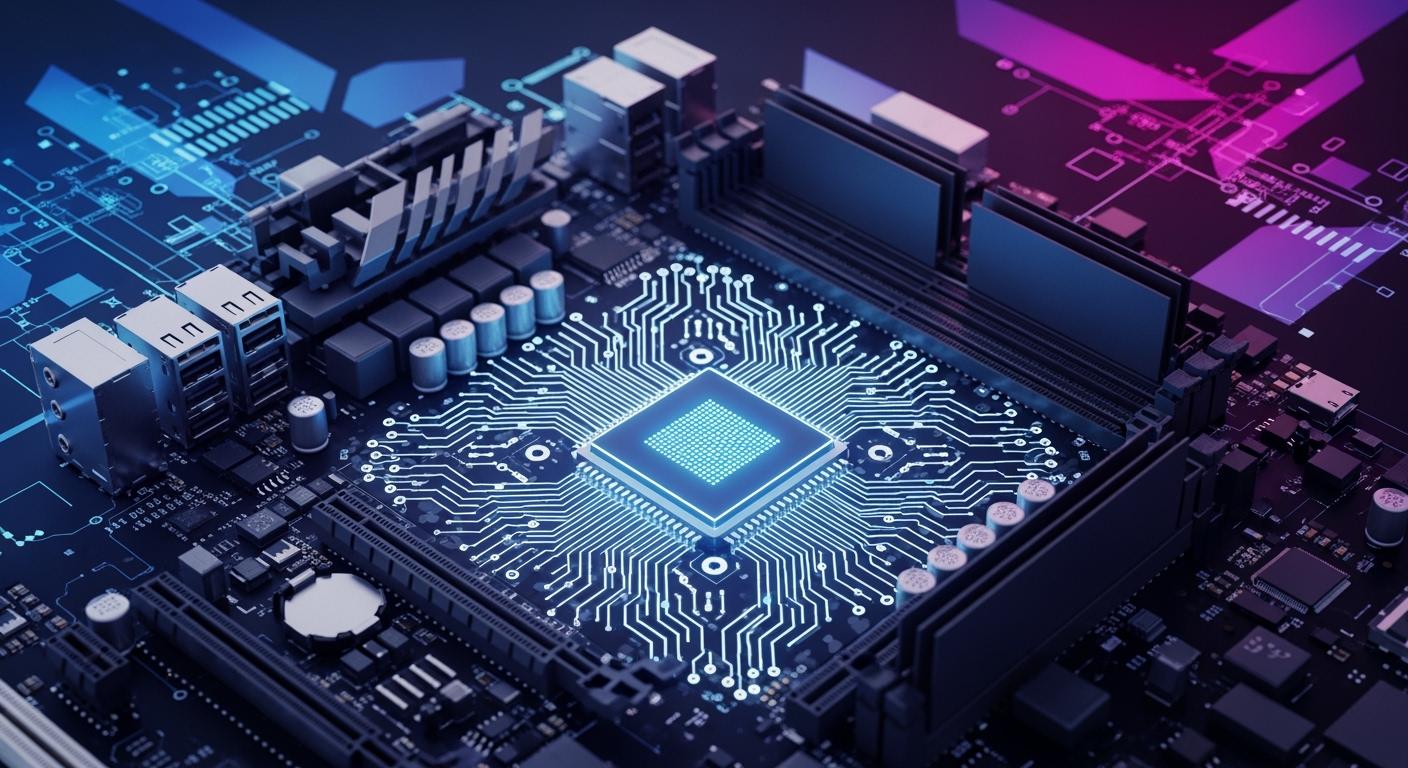
A motherboard chipset is a group of parts that helps data move between your CPU, GPU, RAM, storage, and other devices. You can think of the motherboard chipset as the main way your computer parts talk to each other. This part chooses what CPUs and features your motherboard can use. When you pick a motherboard chipset, you decide your computer’s speed, what it works with, and how you can upgrade it. Knowing about the motherboard chipset helps you build or upgrade a computer that fits your needs in 2026.
Key Takeaways
-
A motherboard chipset is very important. It connects your CPU, RAM, and storage. It decides what parts work together. It also affects how fast your computer runs.
-
Always check if the chipset matches your parts. This makes sure everything works well together.
-
Look for new features like PCIe 5.0 and DDR5 support. These features help your computer last longer. They make upgrades easier in the future.
-
Think about what you need before picking a chipset. Some chipsets are good for simple office work. Others are better for gaming or big tasks.
-
Learn about chipset features and prices. This helps you pick the best one for your money. It also helps you get the performance you want.
Motherboard Chipset Overview
What Is a Chipset
A chipset is like the hidden boss of your motherboard. It is made up of parts that help data move between your CPU, RAM, storage, and other devices. The chipset works like a traffic cop. It makes sure information moves fast and without problems inside your computer.
Long ago, motherboards had two main chips. One was called the northbridge, and the other was the southbridge. The northbridge handled fast connections, like CPU, RAM, and graphics card. The southbridge took care of slower things, like USB ports and hard drives. Engineers later put these jobs into one chipset. Now, the chipset is the main part on your motherboard. It handles both fast and slow data.
Here is a table showing how northbridge and southbridge changed:
| Year | Change Description |
|---|---|
| 1990s | Northbridge managed fast devices, southbridge handled slower ones. |
| 2003 | AMD put memory controller in CPUs, so northbridge was less needed. |
| 2008 | Intel added more functions to CPUs with Core i series. |
| Recent | Chipset jobs are now in single chips like Intel's PCH and AMD's FCH. |
Today’s chipset does many jobs in one part. This makes your motherboard work better and last longer.
Chipset Functions
The chipset does lots of important things for your computer. It decides what parts you can use and how fast they work together. You should know what your chipset can do before picking a motherboard.
Here is a table showing main parts in a motherboard chipset for 2026:
| Component | Function |
|---|---|
| Central Traffic Controller | Moves data quickly between CPU, memory, storage, and other devices. |
| PCH (Platform Controller Hub) | Handles input and output jobs, taking over northbridge work. |
| Compatibility Determination | Makes sure CPU and chipset work together (like Intel Z890, AMD X870E). |
| USB Ports and Storage Speeds | Sets how many USB ports and how fast storage works (like NVMe PCIe 5.0). |
| Overclocking Potential | Decides if you can make your motherboard run faster. |
Here are the main jobs of a modern chipset:
-
Controls how data moves between computer parts.
-
Manages links from CPU to storage, USB, and graphics.
-
Stops data jams and slowdowns.
-
Sets rules for memory speed and PCIe lanes.
-
Keeps system parts working together for multitasking.
The chipset also controls how many PCIe lanes your motherboard has. This affects how many graphics cards, SSDs, or other cards you can use at once. It supports storage types like SATA and NVMe. This lets your storage drives talk to the processor. The chipset manages USB ports and other input/output systems. It decides how many devices you can plug in and how fast they work.
The chipset helps with power and system management. It keeps your computer stable and saves energy. This is important for desktops and laptops.
Tip: When picking a motherboard, check the chipset’s features. This helps you get the right speed, ports, and upgrade choices.
The chipset is the main part of your motherboard. It connects everything and keeps your computer working well.
Chipset Compatibility
Understanding chipset compatibility helps you build a computer that works well and lasts longer. The chipset decides which cpu and processor you can use. It also controls what type of ram and motherboard features you get. If you pick the wrong chipset, your parts may not work together. You should always check compatibility before buying new parts.
CPU and Socket Support
The chipset connects your cpu to the rest of your system. Each chipset supports certain sockets. The socket is the place where you put your processor on the motherboard. If your cpu does not match the socket, it will not fit or work.
Here is a table showing common socket types and the processors they support in 2026:
| Manufacturer | Socket Type | Supported CPUs |
|---|---|---|
| AMD | AM5 | Ryzen 7000, Ryzen 9000 series |
| Intel | LGA1851 | Core Ultra 200 series processors |
You can see that the AMD AM5 socket works with Ryzen 7000 and Ryzen 9000 series. Intel uses the LGA1851 socket for its Core Ultra 200 series processors. Always check the chipset and socket before you buy a cpu or processor.
Motherboard and RAM Compatibility
The chipset also decides what kind of ram your motherboard can use. Some chipsets only support DDR5 memory. Others let you use DDR4 or DDR5. The chipset affects how fast your ram works and how much you can install.
Here is a table comparing AMD AM5 and Intel LGA 1700 and LGA 1851 chipsets:
| Feature | AMD AM5 | Intel LGA 1700 | Intel LGA 1851 |
|---|---|---|---|
| Memory Support | DDR5 only | DDR4 or DDR5 | DDR5 only |
| PCIe Version | PCIe 5.0 (CPU + Chipset) | PCIe 5.0 (CPU only) | PCIe 5.0 (CPU + Chipset) |
| Platform Longevity | 2027+ confirmed | End of life | 2026-2027+ |
| CPU Upgrade Path | Ryzen 7000-9000+ | 12th-14th Gen | Arrow Lake+ |
AMD AM5 chipsets give you more flexibility for future upgrades. You get DDR5 memory and support for new processors. Intel LGA 1700 chipsets let you use either DDR4 or DDR5, but they will not last as long. Intel LGA 1851 chipsets support only DDR5 and the newest processors.
Tip: Always check the chipset compatibility chart before you buy a new cpu, processor, or ram. This helps you avoid mistakes and saves money.
The right chipset makes sure your cpu, processor, and ram all work together. This gives you the best performance and upgrade options.
Chipset Features and Performance
Expansion and Connectivity
You want your motherboard to work with many devices. The chipset helps you add new parts and upgrade your computer. In 2026, motherboards have new features. These features make your computer stronger and more useful. PCIe 4.0 and PCIe 5.0 let you use fast SSDs and graphics cards. Wi-Fi 6E gives you quick wireless internet. DDR5 RAM makes your computer run faster. Thunderbolt 4 lets you move files quickly and connect screens. Built-in 5G means you can play games and stream without lag.
-
PCIe 4.0/5.0 lets you add fast cards
-
Wi-Fi 6E gives you fast wireless internet
-
DDR5 RAM helps your computer work better
-
Thunderbolt 4 moves data and connects screens fast
-
Built-in 5G lets you play games online smoothly
Some chipsets like Z970 let you overclock and add more devices. Z990 is good for adding many different parts. B960 is simple and costs less. New ports and slots help you play games and make videos easily. You can add strong parts to your computer and get better connections.
Note: What you can add depends on the chipset. Always check your motherboard before you buy new parts.
Performance Impact
You might wonder if the chipset changes how fast your computer is. Most people see only small changes between chipsets. In real life, the speed difference is about 1-3%. Tests sometimes show bigger changes, but these do not matter much every day. You do not need a new motherboard just to get more speed.
Modern chipsets are not made for super fast jobs. If you use too many devices, your computer might slow down. Chipsets can change how fast the cache works, but most people will not notice. Overclocking can make your computer faster, but not all chipsets let you do it. Overclocking is good for games or hard work. Pick a chipset with overclocking if you want more speed.
-
Overclocking makes games and work faster
-
Chipset lanes limit how many fast devices you can use
-
Most chipsets have only small speed differences
Tip: Pick a chipset for its features and what it works with, not just for speed.
Intel Chipset Options 2026
Current and Upcoming Intel Chipsets
You have many choices when you pick an Intel chipset for your next motherboard. Intel’s LGA1851 platform brings new features for 2026. You can see the main differences between each chipset model in the table below:
| Chipset | Target Tier | PCIe 5.0 GPU Slot | Overclocking (K-series) | DDR5 Speed | USB4 |
|---|---|---|---|---|---|
| Z890 | Enthusiast / OC | Yes | Yes (full multiplier) | Up to DDR5-8000+ | Yes |
| B860 | Mainstream gaming | Yes | No | Up to DDR5-6400 | Limited |
| H810 | Budget | Yes | No | Up to DDR5-5600 | No |
You get full overclocking only with the Z890 chipset. This means you can push your cpu and memory to higher speeds. The B860 and H810 chipsets do not allow cpu multiplier overclocking. You still get PCIe 5.0 support for fast graphics cards on all three. Intel’s Z890 supports the fastest DDR5 memory and USB4 for quick data transfer. If you want a high-quality chipset for gaming pcs, Z890 is the top choice.
Intel’s Core Ultra Series 3 processor works with these chipsets. This processor gives you better battery life, strong graphics, and advanced AI features. You will see these processors in many computers for both home and work in 2026.
Use Cases
You should match your chipset to how you use your computer. Here are some common use cases:
-
If you want a computer for web browsing, schoolwork, or office tasks, you can pick the H810 chipset. It works well with the latest processor and keeps costs low.
-
For mainstream gaming, the B860 chipset gives you good speed and supports discrete graphics cards. You get enough power for most games and daily tasks.
-
If you love gaming or need top speed for video editing, choose the Z890 chipset. You can overclock your cpu and memory. This helps you get the best performance for gaming pcs and creative work.
Gamers benefit from tools like Intel Binary Optimization Tool and Intel Extreme Tuning Utility. These tools help you boost game performance and overclock your system. Content creators see faster photo and video editing with the Core Ultra processor and DDR5 support. Professionals get smooth multitasking and strong productivity with the right chipset.
Tip: Always check if your motherboard supports the features you need before you buy. The right chipset makes your processor and cpu work better together.
AMD Chipset Options 2026
Current and Upcoming AMD Chipsets
You have many choices when you look at AMD chipsets for your motherboard in 2026. AMD keeps improving its chipset designs to help you get the best performance from your processor. The AM5 platform supports the latest Ryzen processors, including Ryzen 7000 and Ryzen 9000 series. You can pick from mainstream chipsets like B850 or high-end options such as X870E. Each chipset gives you different features for your cpu and helps you build a system that fits your needs.
High-end chipsets offer PCI Express 4.0 and 5.0, multiple M.2 slots for fast storage, premium audio, and Wi-Fi 6E. Mid-range chipsets support PCI Express 4.0 and give you solid performance for gaming and creative work. Older chipsets still work with Ryzen 2000 and 3000 processors and provide more USB and SATA ports for budget users. Workstation-focused chipsets deliver high bandwidth and stable connectivity, which helps you handle large files and 4K or 8K content.
Tip: Always check the chipset features before you buy a motherboard. This helps you match your cpu and processor to your needs.
Use Cases
You can use AMD chipsets for many tasks. If you want budget gaming or mid-range gaming, the B850 chipset works well with Ryzen 7 and Ryzen 9 processors. You get good speed and enough features for most games. The X870E chipset fits high-performance tasks. You can stream, edit videos, or run professional workloads with this chipset and a strong cpu.
Here is a table showing common use cases for AMD chipsets in 2026:
| Chipset | Use Cases |
|---|---|
| B850 | Budget gaming, mid-range gaming, Ryzen 7 and Ryzen 9 builders |
| X870E | High-performance tasks, power users, streamers, video editors, and professional workloads |
You can see that each chipset supports different processor types and tasks. High-end chipsets help enthusiasts and power users. Mid-range chipsets support gamers and creators. Older chipsets fit budget users. Workstation chipsets help content creators who need stable connections and fast file transfers.
Note: Pick a chipset that matches your processor and the way you use your computer. This helps you get the best performance and features.
Choosing the Right Chipset
Matching Needs and Budget
You want your computer to work for you and not cost too much. When picking a chipset, check if it fits your processor and motherboard socket. Make sure your processor fits the socket on your motherboard. Chipsets work with different processor generations, so check upgrade options. Look at how many ports and what kinds of storage your motherboard supports. Also, check what your motherboard can do.
Here are some things you should think about:
-
Check if the CPU socket matches.
-
Make sure the chipset works with the processor generation you want.
-
Look at how many USB ports and storage types you get.
-
Pick a motherboard size that fits your space and needs.
-
Count PCIe slots for graphics cards and other devices.
-
Compare features to make sure all your parts work together.
Chipset prices change depending on what you need. You can see the price ranges and uses in the table below:
| Segment | Price Range (USD) | Key Use Cases |
|---|---|---|
| Entry-Level | $85 – $200 | Office work, light web, basic media playback |
| Mainstream | $199 – $370 | Gaming, student coding, photo editing |
| High-End | $433 – $714 | Content creation, AI inference, scientific computing |
If you play games, you might want a mainstream or high-end chipset. For office work, entry-level chipsets help you save money.
Tip: Look up and compare motherboards to make sure you get all the features you need.
Future-Proofing
You want your computer to last and handle new tech. Picking a chipset with modern features helps you upgrade later. Look for PCIe 5.0 support for fast graphics cards and NVMe SSDs. DDR5 memory support gives you higher speeds and better efficiency. USB4 and Thunderbolt 4 help you move data quickly and connect new devices. Strong VRMs keep your processor stable and help your system last longer.
Here is a table showing features to look for:
| Feature | Importance |
|---|---|
| PCIe 5.0 Support | Needed for future GPUs and SSDs |
| DDR5 Memory Support | Higher speeds and efficiency |
| USB4 and Thunderbolt 4 | Fast data transfer and new device support |
| Robust VRMs | Stable power for high-core-count processors |
| Future considerations | Support for DDR6 and AI integration for long-term use |
AMD said the AM5 platform will be supported until 2029. This gives you seven years of chipset support. You get more time to upgrade your processor and keep your motherboard. Intel has improved support, but AMD offers longer platform life.
Note: Picking a chipset with future-proof features lets you upgrade your processor and keep your motherboard longer.
You should learn about chipset basics before building or upgrading a PC. The chipset decides which CPUs, RAM, and storage you can use. It also controls things like PCIe and USB ports. Check this table to see what is important:
| Factor | Why It Matters |
|---|---|
| Compatibility | Makes sure all parts fit and work |
| Features | Gives you speed and more connections |
| Upgradeability | Lets you make your PC better later |
Pick your motherboard chipset carefully. This helps your computer work well and last longer.

Written by Jack Elliott from AIChipLink.
AIChipLink, one of the fastest-growing global independent electronic components distributors in the world, offers millions of products from thousands of manufacturers, and many of our in-stock parts is available to ship same day.
We mainly source and distribute integrated circuit (IC) products of brands such as Broadcom, Microchip, Texas Instruments, Infineon, NXP, Analog Devices, Qualcomm, Intel, etc., which are widely used in communication & network, telecom, industrial control, new energy and automotive electronics.
Empowered by AI, Linked to the Future. Get started on AIChipLink and submit your RFQ online today!
Frequently Asked Questions
What happens if you use the wrong chipset with your CPU?
Your computer will not start if the chipset does not support your CPU. Always check the compatibility chart before you buy. You can find this information on the motherboard or CPU manufacturer’s website.
Can you upgrade your chipset without changing the motherboard?
You cannot upgrade just the chipset. The chipset is built into the motherboard. If you want a new chipset, you need to buy a new motherboard.
How do you know which chipset is best for gaming?
Look for chipsets that support overclocking, fast PCIe slots, and DDR5 memory. Tip: Z890 (Intel) and X870E (AMD) work well for gaming in 2026.
Do all chipsets support the latest storage and USB speeds?
No, only newer chipsets support the fastest NVMe SSDs and USB4.