How DDR5 RDIMM and UDIMM Performance Has Evolved in 2026
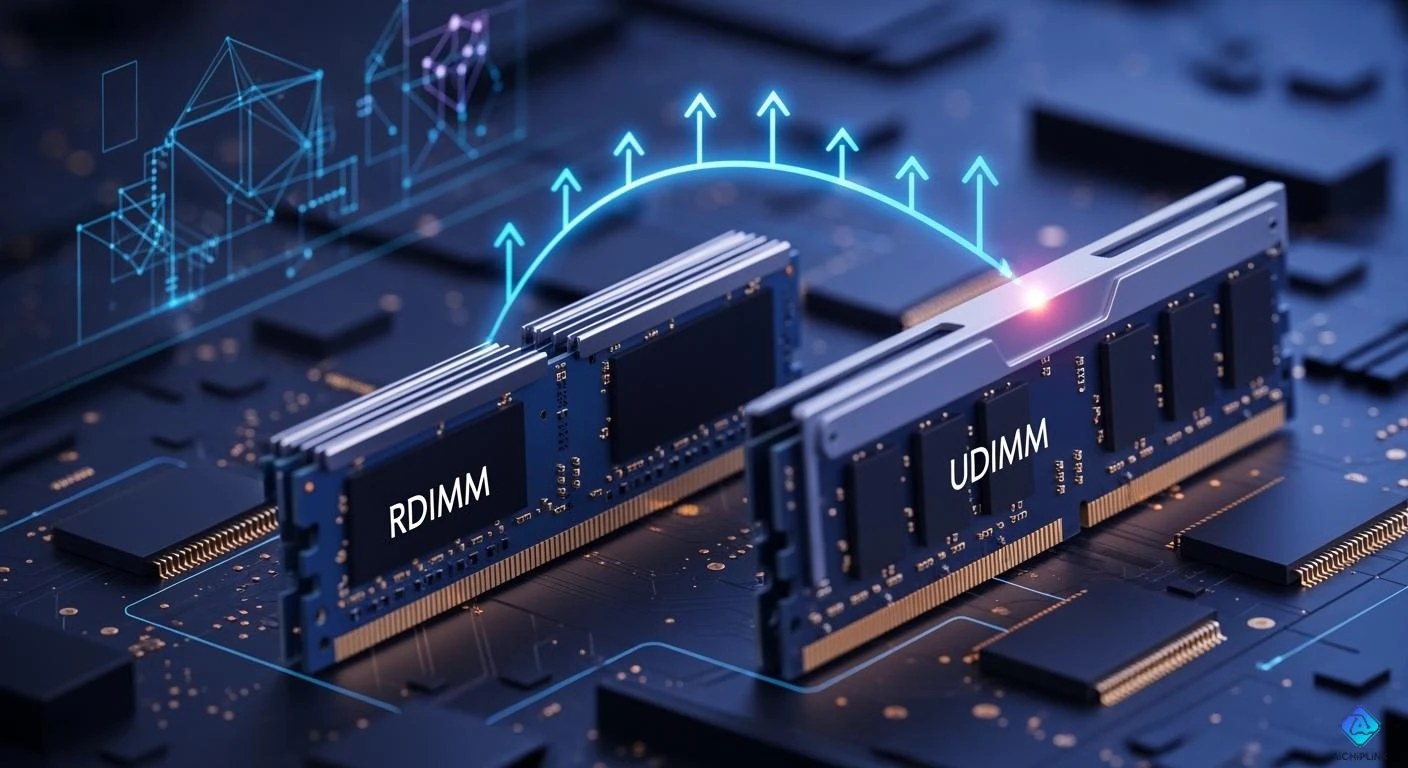
You can find faster DDR5 memory in 2026. When comparing RDIMM vs UDIMM, RDIMM emerges as the top choice for servers. If you run a server, RDIMM provides more stability and space. On the other hand, UDIMM is ideal for workstations and gaming, as it is fast and simple to upgrade. DDR5 memory offers better efficiency and improved error correction. It's important to note that RDIMM and UDIMM are not always compatible due to their different pins and voltage requirements. Always check your system before mixing them. The table below illustrates the rapid growth of RDIMM adoption in large server markets:
| Year | RDIMM Adoption Rate |
|---|---|
| 2025 | 63% |
| 2028 | 89% |
Key Takeaways
- Pick RDIMM for servers to keep them stable and handle lots of memory. - Use UDIMM for gaming and creative work because it is fast and easy to upgrade. - Always make sure parts work together before mixing RDIMM and UDIMM, since they have different pins and need different power. - DDR5 memory works better, uses less energy, and makes less heat, so your computer can last longer. - Use special tuning in DDR5 to make it work better for hard jobs like AI and 3D rendering.
DDR5 DIMM Performance Changes
Speed and Latency Updates
DDR5 dual in-line memory module is much faster in 2026. DDR5 DIMM modules can now reach 9600 MT/s. This means data moves quicker for hard jobs. More memory bandwidth helps your computer do more things at once. You will see less waiting time, so apps open fast. DDR5 RDIMM gives you more stability and trust. This is important for big jobs like AI or 3D art.
Tip: Check if your motherboard and CPU work with new memory. Not all computers can use the fastest DDR5 speeds.
Efficiency and Power Consumption
DDR5 DIMM modules use less power than old memory. This makes your computer cooler and saves energy. Most DDR5 memory uses 1.1V, so there is less heat. Your parts last longer. If you use servers or workstations, this helps a lot. You can add more memory without getting too hot. UDIMM is good for games and creative work. RDIMM is best for servers that need lots of memory and to be stable.
-
Less voltage means less heat.
-
Better efficiency lets you add more memory.
-
You spend less money on power.
Benchmark Highlights
DDR5 RDIMM and UDIMM modules do well in tests. The table below shows DDR5 RDIMM is great for hard jobs:
| Feature | Details |
|---|---|
| Memory Type | DDR5 RDIMM |
| Maximum Speed | Up to 9600 MT/s |
| Capacity Range | 16 GB to 256 GB per module |
| Supported Platforms | Intel Xeon 6 processors, Intel W890 chipset |
| Optimized Workloads | AI model development, 3D rendering, engineering simulation, virtualization, high-resolution content production |
| Reliability Features | Server-grade ECC architecture for stability and data integrity |
DDR5 memory module gives high performance for AI, art, and simulation. RDIMM has extra safety with ECC. UDIMM is fast for games and creative jobs. You get more memory speed, so your computer works better and faster.
RDIMM vs UDIMM: Compatibility in 2026
Pin and Voltage Differences
RDIMM and UDIMM are not the same. Both use 1.2 V in 2026. You do not need to worry about power differences. RDIMM has a register. This makes it more stable and lets it hold more memory. UDIMM does not have a register. It works faster but cannot hold as much memory.
Here are the main things to remember:
-
RDIMM has a register for stability.
-
UDIMM is used in home computers and gaming.
-
RDIMM can fix errors and hold more memory.
-
UDIMM is faster but less stable for big jobs.
-
The pins are different, so you cannot swap them.
Note: Always check your motherboard guide before buying memory. The wrong type will not fit or work.
Platform and CPU Support
You must match your memory to your computer and CPU. Not all systems use both types. Servers and workstations use RDIMM for more memory and error fixing. Home computers and gaming use UDIMM for speed and easy upgrades.
Here is a table to show which platforms use each type:
| Platform Type | Supported Modules |
|---|---|
| Intel® Xeon® | DDR5 ECC RDIMMs |
| Intel® Core™ | DDR5 ECC RDIMMs |
| AMD EPYC™ | DDR5 ECC RDIMMs |
Most servers use RDIMM. Some workstations use RDIMM too. If you have a desktop or gaming PC, you will use UDIMM. Update your BIOS to the newest version. This helps your computer use new memory and speeds, especially above 6000 MHz.
Mixing DIMMs: Limitations
Do not mix RDIMM and UDIMM in one computer. They handle data and power in different ways. Mixing them can cause crashes or memory problems.
Here are the main reasons not to mix:
-
Different memory types cannot be mixed because of electrical differences.
-
Mixing RDIMM and UDIMM can make memory fail or not last long.
-
Using different voltages or brands can make your computer unstable.
-
No company says you should mix these modules.
-
If you mix brands, speeds, or sizes, your computer will turn off special features and use basic settings. This can make your computer slower and cause mistakes.
Tip: Use the same type, brand, and speed of memory. This keeps your computer fast and stable.
Think about what you need before choosing RDIMM or UDIMM. Servers and workstations need RDIMM for stability and more memory. Gaming and creative computers work best with UDIMM. Always check if your memory will work before you upgrade.
DDR5 DIMM Features and Innovations
CUDIMM and New Memory Types
CUDIMM is a new DDR5 dimm type for fast computers. It has a clock driver that keeps signals steady at high speeds. If you use Intel Core Ultra, you can get over 9,000MT/s. This is faster than UDIMM, which goes up to 8,000MT/s. CUDIMM fits in the same slot as UDIMM. You need the right BIOS to get the best speed. CUDIMM gives better signal quality and less clock jitter. This helps your computer run smoother. CUDIMM is good for gaming and work tasks. It also works with older systems at lower speeds.
-
CUDIMM uses new DDR5 features for hard jobs.
-
You can make CUDIMM go even faster by overclocking.
-
On AMD, CUDIMM works in Bypass mode.
Error Correction and Stability
Good error correction keeps memory working well. DDR5 dimm modules now have on-die ECC. This fixes errors on the chip. It makes your computer more stable and keeps data safe. RDIMM is even more stable because it buffers signals. This lowers the work for your CPU. RDIMM is very reliable for servers and big jobs. UDIMM has on-die ECC too, but it is not as strong as RDIMM’s side-band ECC. If you add more UDIMM, you might see more signal issues.
| Advancement Type | Description |
|---|---|
| On-die ECC | Error Correction Code on the chip for better reliability and performance. |
| Enhanced Thermal Management | Improved cooling for high-capacity and high-reliability memory solutions. |
Tip: Pick RDIMM for heavy jobs and UDIMM for home or art use.
Advanced Tuning and AI Integration
You can change DDR5 dimm settings for better speed. Many motherboards let you adjust voltage and speed. This helps you get the most from your memory. AI needs fast and steady memory. DDR5 dimm modules give high bandwidth. This is important for AI and big data. You can tune your system for games, 3D art, or engineering. DDR5 upgrades make your computer smarter and faster.
-
Change settings for more speed and less waiting.
-
Use DDR5 dimm for AI, games, and art.
-
Get steady performance with strong error correction.
Pick RDIMM if your server needs lots of memory and to be steady. RDIMM is best for workstations and servers that do big jobs. It gives good speed and does not crash easily. UDIMM is great for games and art because it is fast and simple to upgrade. Always look at your motherboard and voltage before buying new memory. The pins are not the same, so you cannot use RDIMM and UDIMM in place of each other.

Written by Jack Elliott from AIChipLink.
AIChipLink, one of the fastest-growing global independent electronic components distributors in the world, offers millions of products from thousands of manufacturers, and many of our in-stock parts is available to ship same day.
We mainly source and distribute integrated circuit (IC) products of brands such as Broadcom, Microchip, Texas Instruments, Infineon, NXP, Analog Devices, Qualcomm, Intel, etc., which are widely used in communication & network, telecom, industrial control, new energy and automotive electronics.
Empowered by AI, Linked to the Future. Get started on AIChipLink and submit your RFQ online today!
Frequently Asked Questions
What is the main difference between RDIMM and UDIMM?
You use RDIMM for servers and UDIMM for desktops. RDIMM has a register for stability. UDIMM does not. You cannot swap them because the pins are different.
Can you mix RDIMM and UDIMM in one system?
No, you cannot mix RDIMM and UDIMM. They use different signals and pins. Mixing them can cause errors or stop your computer from starting.
Which DDR5 memory is best for gaming?
You should pick UDIMM for gaming. UDIMM gives you fast speeds and easy upgrades. Most gaming motherboards support UDIMM, not RDIMM.
Does DDR5 use less power than DDR4?
Yes, DDR5 uses less power. Most DDR5 modules run at 1.1V. This helps your computer stay cool and saves energy.


