Introduction
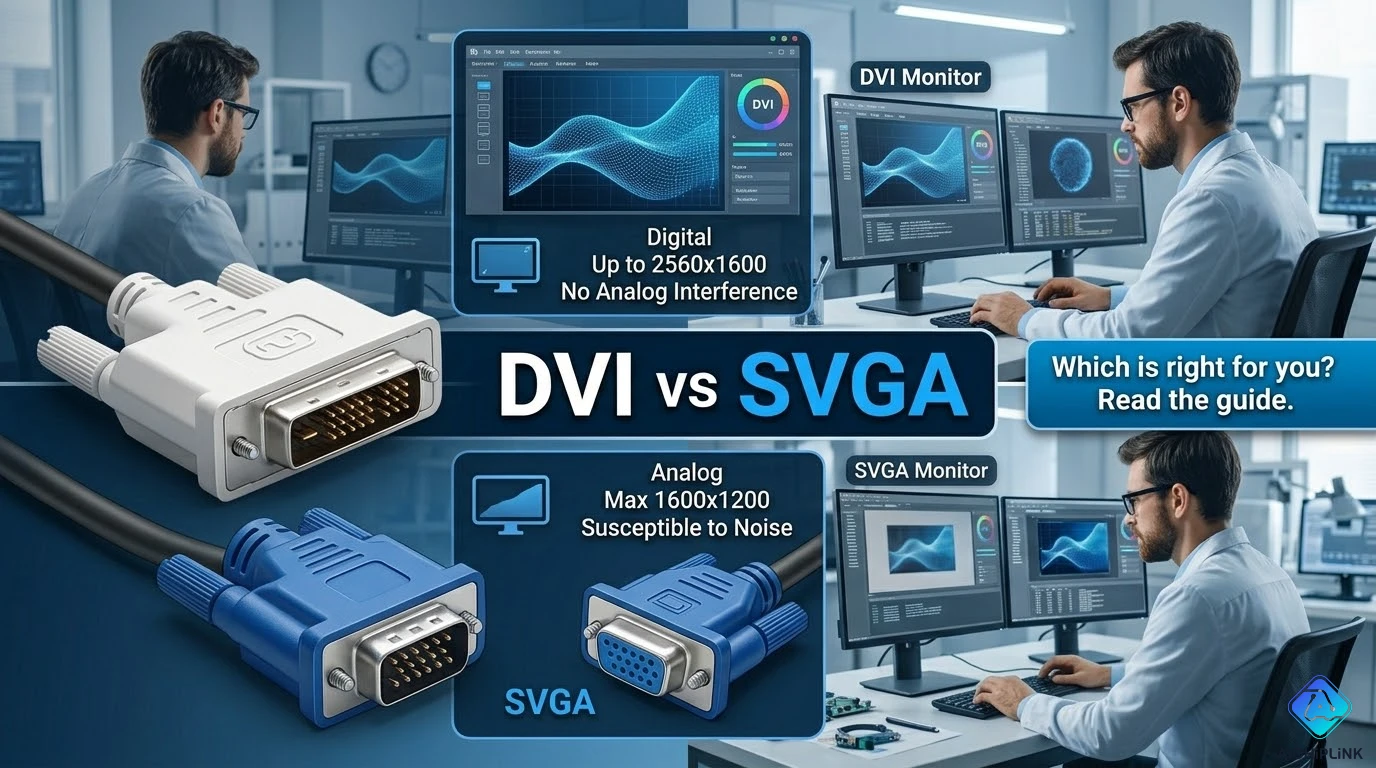
The DVI vs SVGA debate confuses many people because they're comparing two fundamentally different things: DVI (Digital Visual Interface) is a connector standard supporting digital video signals, while SVGA (Super VGA) is a display resolution standard (800×600 pixels) using analog VGA signals. This confusion leads to common misconceptions about video quality, compatibility, and when to use each technology. This comprehensive guide clarifies what most people get wrong, explains the technical differences, and provides practical advice for choosing between DVI and VGA connections.
What Most People Get Wrong
Misconception #1: "SVGA is a Cable Type"
WRONG: SVGA is not a cable—it's a resolution standard (800×600).
CORRECT:
- SVGA = Display resolution specification (800×600 @ 60Hz)
- VGA cable = 15-pin D-sub connector carrying analog RGB signals
- Confusion: People use "SVGA cable" colloquially to mean "VGA cable"
Clarification: When people say "SVGA cable," they actually mean VGA cable (15-pin analog) that can transmit various resolutions including SVGA (800×600), XGA (1024×768), or even 1080p (1920×1080) depending on signal quality and cable length.
Misconception #2: "DVI is Always Better Than SVGA/VGA"
PARTIALLY TRUE: DVI digital signal eliminates analog conversion artifacts, but...
THE NUANCE:
- DVI-D (digital only): Superior quality for digital displays (LCD, LED monitors)
- DVI-A (analog only): Electrically identical to VGA—no quality advantage
- DVI-I (integrated): Supports both digital and analog—quality depends on which is used
Reality Check: DVI-A carrying analog signal to VGA monitor = same quality as VGA cable. The advantage comes from DVI-D digital transmission, not the connector itself.
Misconception #3: "You Need Active Conversion for DVI ↔ VGA"
WRONG for most cases:
Passive Adapters Work:
- DVI-I → VGA: Simple passive adapter ($5)—analog pins already present in DVI-I
- DVI-A → VGA: Direct passive adapter—both are analog
Active Converters Required:
- DVI-D → VGA: Active converter needed (~$20-30)—digital to analog conversion
- VGA → DVI-D: Active converter needed—analog to digital conversion
Misconception #4: "VGA Can't Do High Resolution"
WRONG: VGA analog signal supports high resolutions.
TRUTH: VGA cable can transmit:
- 1080p (1920×1080) @ 60Hz over quality cable <10 feet
- 1440p (2560×1440) @ 60Hz over short distances (<6 feet)
- 4K (3840×2160) @ 30Hz theoretically possible but impractical (severe quality degradation)
Limitation: Not the resolution capability, but signal quality degradation at high resolutions and long cable lengths due to analog nature.
Technical Differences
Signal Type: Digital vs Analog
DVI-D (Digital):
Graphics Card → Digital Signal (TMDS) → DVI-D Cable → LCD Monitor
- No conversion: Digital pixel data transmitted directly
- Immunity to electromagnetic interference
- No signal degradation over cable (within spec length)
VGA (Analog):
Graphics Card → Digital-to-Analog Converter (RAMDAC) → VGA Cable → Monitor → Analog-to-Digital (in LCD)
- Multiple conversions introduce quality loss
- Susceptible to EMI, crosstalk, and cable quality
- Signal degrades with cable length
Connector Comparison
| Feature | DVI-D | DVI-I | DVI-A | VGA (15-pin D-sub) |
|---|---|---|---|---|
| Pins | 24 (dual-link: 29) | 29 | 17 | 15 |
| Signal | Digital only | Digital + Analog | Analog only | Analog |
| Max Resolution (single-link) | 1920×1200 @ 60Hz | Same as DVI-D | 2048×1536 @ 60Hz | 2048×1536 @ 60Hz |
| Max Resolution (dual-link) | 2560×1600 @ 60Hz | Same | N/A | N/A |
| Audio Support | No | No | No | No |
Resolution Standards Evolution
VGA Resolution Progression:
- VGA: 640×480 (1987)
- SVGA: 800×600 (1989)
- XGA: 1024×768 (1990)
- SXGA: 1280×1024 (1996)
- UXGA: 1600×1200 (1999)
Note: All these resolutions can be transmitted over both VGA and DVI connections—resolution standard is independent of connector type.
Quality Comparison
Image Quality: DVI-D vs VGA
DVI-D Advantages:
- Pixel-perfect image: Digital signal maintains exact pixel values
- No ghosting/blurring: Crisp text and sharp edges
- Consistent quality: No degradation from cable length (up to 15 feet)
- No color shift: Digital RGB values preserved exactly
VGA Limitations:
- Analog artifacts: Slight blurriness, especially at high resolutions
- Color accuracy issues: DAC/ADC conversions introduce minor errors
- Cable quality sensitive: Poor cables → visible ghosting, noise
- Signal degradation: Quality drops significantly beyond 10-15 feet
Visual Comparison (1920×1080):
- DVI-D: Sharp text, clear pixels, no artifacts
- VGA (quality cable): 95% as good—minor softness visible on close inspection
- VGA (poor cable): Noticeable ghosting, color fringing, text blur
Practical Difference
When Difference is Noticeable:
- High-resolution displays (≥1080p): DVI-D clearly superior
- Text-heavy work: DVI-D provides crisper text
- Long cable runs (>10 feet): DVI-D maintains quality, VGA degrades
- Poor quality VGA cable: Significant artifacts appear
When Difference is Minimal:
- Lower resolutions (≤1024×768): Both appear nearly identical
- Short cables (<6 feet) with quality VGA: Minimal visible difference
- Video content (movies): Both acceptable—motion blur masks artifacts
When to Use Each
Choose DVI-D When:
✅ High-resolution display: 1920×1080 or higher
✅ Professional work: Graphic design, CAD, video editing (pixel accuracy matters)
✅ Long cable runs: 10-30 feet (within DVI-D spec)
✅ Modern equipment: Both source and display have DVI-D ports
✅ Future-proofing: DVI-D supports dual-link for 2560×1600
Choose VGA When:
✅ Legacy equipment: Older projectors, monitors without DVI
✅ Budget constraints: VGA cables cheaper ($3-5 vs $8-12 for DVI)
✅ Short distances with moderate resolution: <10 feet at 1080p or lower
✅ Temporary setups: Conference rooms, presentations
✅ Compatibility: Universal support across all generations of equipment
Migration Strategy
Ideal Setup (New Equipment):
- DVI-D or HDMI for primary display (digital signal)
- VGA/DVI-I for secondary/legacy displays
- Keep passive DVI-I to VGA adapter for compatibility
Upgrading from VGA:
- Graphics card has DVI-I: Use passive adapter for existing VGA monitor
- Monitor has VGA only, GPU has DVI-D only: Purchase active DVI-D to VGA converter
- Both lack DVI: Continue using VGA—upgrade both components when feasible
Modern Context: Beyond DVI and VGA
Display Interface Evolution
Timeline:
- 1987: VGA introduced (analog)
- 1999: DVI introduced (digital)
- 2003: HDMI introduced (digital + audio + HDCP)
- 2008: DisplayPort introduced (digital + audio + higher bandwidth)
- 2024: HDMI 2.1 and DisplayPort 2.0 dominate
Current Recommendation:
- New purchases: HDMI 2.1 or DisplayPort 1.4+ (support 4K @ 120Hz, HDR)
- Existing DVI equipment: Continue using—still adequate for 1080p/1440p
- Existing VGA equipment: Works fine for ≤1080p; upgrade if image quality issues arise
Adapter Considerations
Common Scenarios:
1. DVI-I Graphics Card → VGA Monitor:
Solution: Passive DVI-I to VGA adapter ($5)
Quality: Identical to native VGA cable
2. DVI-D Graphics Card → VGA Monitor:
Solution: Active DVI-D to VGA converter ($20-30)
Quality: Good, but adds slight latency (1-2ms)
Note: Requires external power in some cases
3. VGA Graphics Card → DVI Monitor:
Solution: Active VGA to DVI-D converter ($25-40)
Quality: Limited by VGA source—no quality improvement
4. Modern HDMI GPU → DVI Monitor:
Solution: HDMI to DVI-D adapter ($8-12, passive)
Quality: Excellent—both are digital signals
Note: No audio support (DVI lacks audio)
Conclusion
DVI vs SVGA is a misleading comparison—the real choice is between DVI-D digital and VGA analog connections. DVI-D provides superior image quality through digital signal transmission, especially at high resolutions (≥1920×1080) and long cable runs, while VGA remains adequate for legacy equipment and moderate resolutions with short cables. Understanding these differences prevents common misconceptions and enables informed decisions about display connectivity.
Key Takeaways:
✅ SVGA is a resolution (800×600), not a cable—people mean "VGA cable"
✅ DVI-D (digital) is superior to VGA (analog) for image quality
✅ DVI-I includes analog pins—passive adapter to VGA works
✅ VGA supports high resolutions (≤1080p reliably) but with quality trade-offs
✅ For new systems: Choose HDMI/DisplayPort over DVI and VGA
✅ For legacy systems: VGA remains practical and cost-effective
✅ Image quality difference: Noticeable at ≥1080p, minimal at ≤1024×768
Need display connectivity advice? Visit AiChipLink.com for video interface consultation and electronics guidance.

Written by Jack Elliott from AIChipLink.
AIChipLink, one of the fastest-growing global independent electronic components distributors in the world, offers millions of products from thousands of manufacturers, and many of our in-stock parts is available to ship same day.
We mainly source and distribute integrated circuit (IC) products of brands such as Broadcom, Microchip, Texas Instruments, Infineon, NXP, Analog Devices, Qualcomm, Intel, etc., which are widely used in communication & network, telecom, industrial control, new energy and automotive electronics.
Empowered by AI, Linked to the Future. Get started on AIChipLink.com and submit your RFQ online today!
Frequently Asked Questions
Is DVI better than SVGA for video quality?
DVI offers better video quality than VGA (often mistakenly called SVGA) because it uses a digital signal that eliminates noise, ghosting, and signal degradation. While VGA can handle similar resolutions, image quality drops at higher resolutions and longer cable lengths, making DVI the better choice for sharp text and clear visuals, especially at 1080p and above.
DVI offers better video quality than VGA (often mistakenly called SVGA) because it uses a digital signal that eliminates noise, ghosting, and signal degradation. While VGA can handle similar resolutions, image quality drops at higher resolutions and longer cable lengths, making DVI the better choice for sharp text and clear visuals, especially at 1080p and above.
Yes, but it depends on the DVI type. DVI-I and DVI-A support passive adapters since they carry analog signals, while DVI-D requires an active converter to change digital signals into analog VGA. Most modern devices use DVI-D, so compatibility should be checked before using a simple adapter.
What is the maximum resolution for VGA?
VGA can theoretically support up to 2048×1536 @ 60Hz, but in real-world use, it performs best at 1920×1080 or lower. Higher resolutions are possible but often suffer from image degradation due to analog signal limitations, cable quality, and length.
Why do people say "SVGA cable" when they mean VGA?
“SVGA cable” is an incorrect but commonly used term for a VGA cable. SVGA refers to a resolution standard (800×600), not a cable type, but the name became popular through marketing and is still used interchangeably with VGA today.
Should I upgrade from VGA to DVI?
Upgrading from VGA to DVI is recommended for better image quality, especially for high-resolution displays, professional work, or longer cable runs. However, for modern setups, upgrading directly to HDMI or DisplayPort is a better long-term choice, as DVI is now considered a legacy interface.