Can HBM Replace DDR as the Main Memory for Computers?
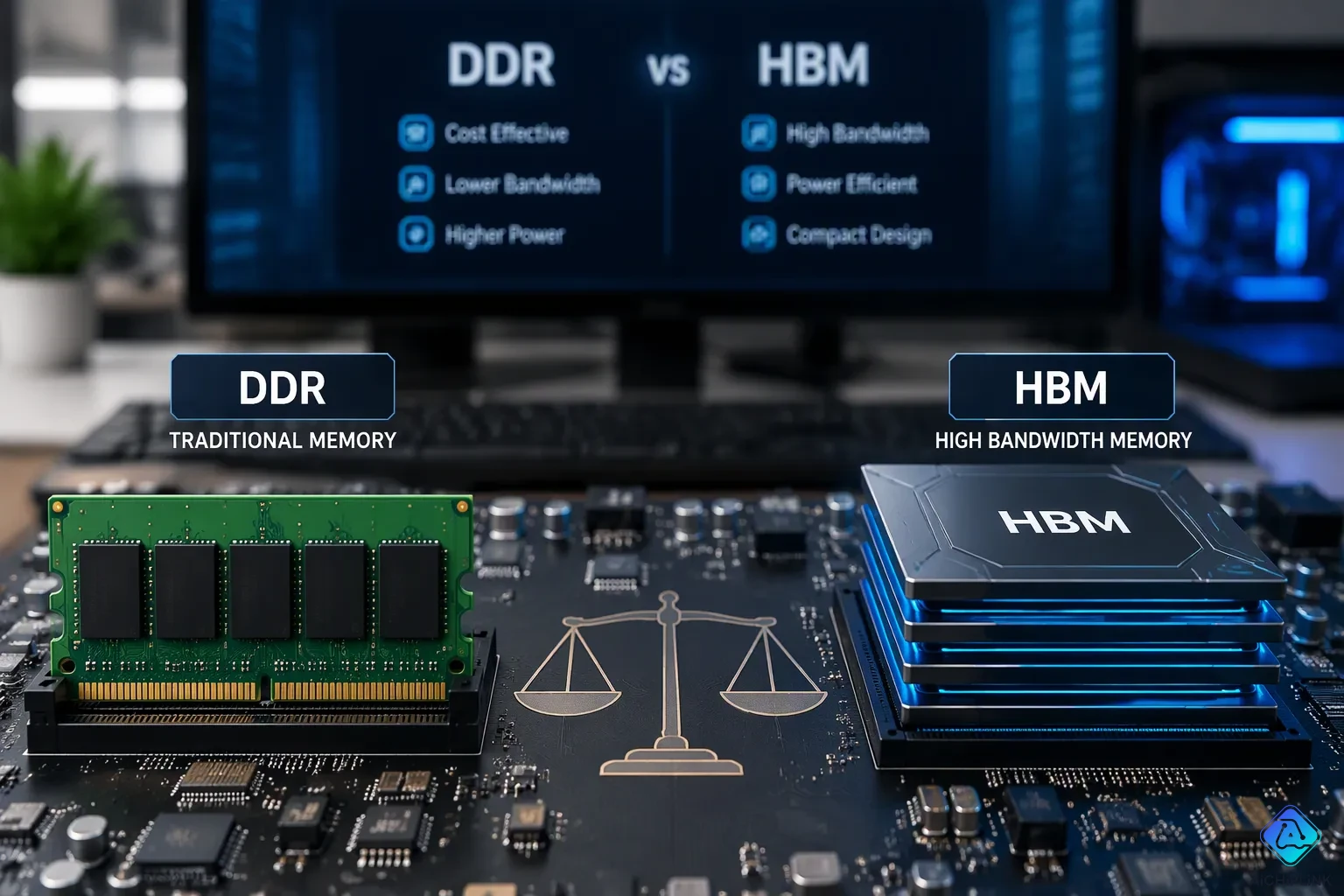
Will HBM replace DDR as the main memory in computers? For everyday computing, the answer is no. HBM gives great bandwidth, but its high cost per bit, small capacity per stack, and soldered design create real problems. Standard modules stay cheaper, can be upgraded, and respond faster for CPU tasks. This article explains both technologies, compares them in key ways, and looks at where each one does best. It also looks at future memory hierarchies. The two will likely live together rather than compete. Specialized workloads will use it, while everyday systems keep the standard. That balance defines the future of pc memory. This trade-off shapes every decision.
Key Takeaways
-
HBM gives high bandwidth but costs more and holds less data than DDR.
-
DDR offers fast response and low cost for everyday computer tasks.
-
HBM works best for AI training and high-performance computing.
-
Future computers will use both HBM and DDR for different jobs.
-
Hybrid memory setups mix both types to get the best results.
What Are HBM and DDR?
HBM Memory Explained
High bandwidth memory (HBM) is a kind of DRAM that stacks several memory chips on top of each other. This 3D stacking uses TSVs (through-silicon vias), which are tiny wires going through holes in each chip. The stack sits on a base logic die and connects to a processor on the same interposer. Samsung and other companies made this design to feed data‑hungry chips.
An HBM3 stack holds up to 12 chips and gives 16 to 64 GB of space. Its 1,024‑bit bus moves 819 GB/s per stack. HBM2E gets 460 GB/s per stack, about nine times more than the 51 GB/s of one DDR5‑6400 channel. This memory is built for accelerators, not normal CPUs.
| Memory Type | Peak Bandwidth |
|---|---|
| HBM2E (per stack) | 460 GB/s |
| DDR5‑6400 (per channel) | 51 GB/s |
DDR: The Standard for Computer Memory
DDR is the regular DRAM in most computers. It acts as system memory, holding the operating system, apps, and open files. A memory controller in the CPU handles every read and write to these modules.
DDR memory uses a flat layout. Individual DDR chips sit next to each other on a DIMM, and each channel has a 64‑bit bus. This design likes low delay over plain speed. A processor that waits for data wastes cycles, so fast response matters more than huge throughput. DDR also costs much less per gigabyte than HBM, and users can add or swap DIMMs anytime.
These two technologies fix different problems. HBM moves huge amounts of data through a wide bus. Normal DDR memory answers requests quickly and cheaply. That difference shows why HBM memory has not replaced DDR in everyday computers.
Will HBM Replace DDR?
The question of whether HBM will replace DDR as main memory comes down to a few hard trade-offs. Bandwidth, latency, power, cost, capacity, and flexibility all matter. Each technology wins in different areas. That split explains why one will not simply push the other out.
Bandwidth, Latency, and Power
Bandwidth is where HBM wins big. A single HBM3 stack moves 819 GB/s across a 1,024-bit bus. One DDR5-6400 channel delivers only 51 GB/s on a 64-bit bus. That gap is huge. For tasks that stream big data sets, HBM memory is the clear winner. Memory bandwidth of this scale feeds AI accelerators and high-end graphics cards.
Latency tells a different story. DDR memory responds to requests faster than HBM. A CPU often waits on small, scattered reads. Low memory latency keeps those waits short. HBM adds delay because data must travel through a base logic die and an interposer. That extra path costs time. For general-purpose computing, fast response beats raw throughput.
Power per bit favors HBM. Its wide bus runs at lower clock speeds, so it moves more data per unit of energy. DDR memory draws more power to reach far lower bandwidth. This efficiency matters in dense servers and battery-limited devices. Still, power alone cannot justify the cost for most systems.
Capacity, Cost, and Flexibility
Capacity per stack limits HBM. An HBM3 stack holds 16 to 64 GB. A desktop can hold 128 GB or more using four DDR5 DIMMs. Servers scale even higher. Memory capacity needs for databases and virtual machines quickly exceed what a few stacks provide.
Cost is the biggest barrier. HBM is expensive to build. Its 3D stacking and through-silicon vias drive up the price per bit. DDR memory costs far less per gigabyte. That difference shapes every purchasing decision. Buyers who need high capacity at low cost choose DDR every time.
Flexibility separates the two even more. DDR5 DIMMs can be added, removed, or upgraded at any time. A user can start with 16 GB and move to 64 GB later. HBM is permanently soldered next to the processor. It cannot be changed after purchase. That fixed design suits embedded accelerators, not upgradeable computers.
The same logic applies to graphics. GDDR-equipped GPUs cost less than HBM-equipped models. GDDR sits between DDR and HBM in performance and price. For many workloads, DDR/GDDR memory offers enough speed at a fraction of the cost. That makes GDDR a practical choice for gaming and mid-range compute.
These factors show why HBM will not replace DDR in most machines. The bandwidth advantage cannot overcome the cost, capacity, and flexibility gaps. Memory architectures will keep both technologies alive for different roles.
Why HBM Struggles as Main Memory
The Cost and Capacity Barrier
CPUs need quick answers to small requests. They do not need the huge throughput that HBM gives. A CPU core often waits on one cache line. That wait lasts just a few nanoseconds. HBM adds delay through its base logic die and interposer. The extra path takes time. A processor that stalls for data wastes cycles. Low latency matters more than raw speed for everyday tasks. This mismatch makes HBM a bad fit for CPU main memory.
Cost tells an even clearer story. HBM is pricey to build. Its 3D stacking and through-silicon vias push up the price per bit. One HBM3 stack holds 16 to 64 GB. A desktop can hold 128 GB or more with four DDR5 DIMMs. Servers go much higher. Memory capacity needs for databases and virtual machines quickly pass what a few stacks give. Buyers who need high capacity at low cost pick DDR every time. The cost gap is not small. It is a basic barrier.
Packaging limits make things worse. HBM must sit next to the processor on the same interposer. This fixed layout works for embedded accelerators. It does not work for upgradeable computers. A standard PC cannot take HBM as regular RAM. The physical design alone rules it out.
Latency and Upgrade Limits
DDR5 DIMMs can be added, removed, or upgraded at any time. A user can start with 16 GB and move to 64 GB later. That flexibility defines the desktop and server markets. HBM is permanently soldered next to the processor. It cannot be changed after purchase. This soldered design locks buyers into a fixed memory capacity for the life of the device. No upgrade path exists.
Latency makes the problem worse. DDR memory answers requests faster than HBM. A CPU often waits on small, scattered reads. Low memory latency keeps those waits short. HBM adds delay because data must travel through a base logic die and an interposer. That extra path takes time. For everyday computing, fast response beats raw throughput. The bandwidth advantage of HBM cannot overcome this latency penalty.
The same logic applies to graphics. GDDR-equipped GPUs cost less than HBM-equipped models. GDDR sits between DDR and HBM in performance and price. For many workloads, GDDR memory gives enough speed at a fraction of the cost. That makes GDDR a practical choice for gaming and mid-range compute.
These factors show why HBM will not replace DDR in most machines. The bandwidth advantage cannot overcome the cost, capacity, and flexibility gaps. Memory architectures will keep both technologies alive for different roles. A CPU needs low latency and high capacity at low cost. HBM delivers none of those three. DDR delivers all three. That is the core reason HBM struggles as main memory.
Where HBM and DDR Do Their Best
DDR in Everyday Computing
DDR memory works best in normal desktop and server settings. Low latency is what CPU tasks need most. This type answers scattered reads quickly. Everyday workloads gain from this speed. Standard modules also give you high capacity at low cost. People put 128 GB or more in a desktop. Servers go even higher. DDR runs with low latency. CPU cores send many small requests. It handles these fast without making the processor wait. This mix makes standard modules perfect for daily computing.
The flexibility of standard modules goes past cost. DIMMs can be added or removed with ease. Users upgrade over time. This flexibility fits many different workloads. Memory designs for everyday systems rely on standard modules. No other type matches this balance. Standard modules stay the backbone. For desktops and laptops, DDR gives the right mix of speed and price. DRAM in this form meets most daily needs.
HBM in AI, HPC, and Graphics
This type rules in heavy workloads. AI training needs huge data throughput. Data center AI training depends on HBM. HBM gives the extreme memory bandwidth these apps require. High-performance computing tasks gain too. Computational fluid dynamics and weather modeling push the limits. These simulations need terabytes of data streaming at once. HBM meets this demand.
The table below shows which applications need high bandwidth memory.
| Type | Applications |
|---|---|
| HBM | High-bandwidth AI/ML training, HPC, data-center accelerators, networking |
| Standard | General-purpose computing, CPUs, servers, mobile SoCs |
GPU memory for high-end accelerators uses HBM. AMD MI300A uses HBM. NVIDIA H100 also counts on it for training. Broadcom Jericho3-AI switches use deep packet buffers with it. FPGA-based accelerators for data analytics use HBM too. These heavy applications justify the cost of HBM memory. Bandwidth-heavy AI workloads gain right away. The speed advantage pays off when speed decides completion time.
For professional graphics, it shines in visualization GPUs. Gaming GPU memory often uses DDR/GDDR instead. But bandwidth-heavy AI workloads need it. DDR/GDDR cannot match the throughput. PC memory for most users stays standard. It stays set aside for special tasks. High-end GPUs for scientific visualization gain from HBM. The bandwidth allows real-time rendering of complex datasets. DRAM in both forms lives together in modern systems.
The Future of Computer Memory
HBM3E, HBM4, DDR5, and DDR6
New generations keep making this technology better. HBM3E is already being made. It uses a 1,024-bit interface and gives up to 1.33 TB/s per stack. Each stack holds up to 36 GB. Core voltage drops to 1.1V. Power efficiency gets 2.5 times better than HBM2E. 3D stacking lets this design pack more bandwidth into a small space.
The next generation comes around 2026 from Samsung, SK Hynix, and Micron. The interface width doubles to 2,048 bits. Bandwidth per stack reaches over 2.0 TB/s, with peaks up to 3.3 TB/s. Capacity per stack climbs to 64 GB. Core voltage falls to 1.05V. Power efficiency gains reach 60 percent over the last generation.
DDR5 and DDR6 follow a different path. They focus on cost per bit and capacity scaling. DDR5 already reaches high densities on standard DIMMs. DDR6 will push even further. These generations keep DDR memory cheap for general-purpose systems. The plan puts lower cost per gigabyte first, not peak bandwidth.
Hybrid Memory Approaches
Some processors already mix both technologies. Intel Sapphire Rapids HBM supports two operating modes. Cache Mode, also called 2LM, treats the stacked memory as a level 4 cache for DDR memory. The operating system never sees this memory directly. No software changes are needed. This design lets bandwidth-sensitive code benefit without extra tuning.
Flat Mode, or 1LM, shows both HBM and DDR as separate NUMA address spaces. The software must place data on purpose. Libraries like memkind help with hbm_malloc(). OpenMP can also manage placement. This approach gives programmers control but adds complexity.
From a latency view, this HBM memory offers the same latency as any other DRAM. Without a latency win, there is a real chance of slowing things down. Latency-sensitive code performs better on DDR. Bandwidth-sensitive code prefers the stacked option. For AI training workloads, this advantage matters most. GPU memory for accelerators also benefits from the high throughput. These hybrid approaches require careful planning.
The performance results show clear patterns. In CPU-only execution, Cache Mode outperformed Flat Mode with DDR by 29 to 45 percent for QMCPACK. Memory bandwidth-intensive applications like HACC obtained up to 34 percent speedup by placing data in this technology using Flat Mode. BFS, with irregular access patterns, reached nearly 60 GTEPS in SNC4-Cache Mode, outperforming both DDR and HBM Flat modes.
These memory architectures will coexist. DDR remains more cost-effective for most CPU tasks. This memory technology serves accelerators and specialized workloads. The future includes a diverse hierarchy, not a single replacement.
The question of whether HBM will replace DDR as main memory has a clear answer. HBM will not take over general-purpose computers. It will work alongside DDR in a mixed memory setup. HBM wins on bandwidth and power per bit. DDR wins on cost, capacity, latency, and flexibility. Future systems will use both. DDR handles main memory for CPUs. HBM serves accelerators and specialized tasks. This balance defines the future of computer memory. No single technology fits every need. A mixed approach delivers the best results for pc memory. Readers should see both as partners, not rivals.

Written by Jack Elliott from AIChipLink.
AIChipLink, one of the fastest-growing global independent electronic components distributors in the world, offers millions of products from thousands of manufacturers, and many of our in-stock parts is available to ship same day.
We mainly source and distribute integrated circuit (IC) products of brands such as Broadcom, Microchip, Texas Instruments, Infineon, NXP, Analog Devices, Qualcomm, Intel, etc., which are widely used in communication & network, telecom, industrial control, new energy and automotive electronics.
Empowered by AI, Linked to the Future. Get started on AIChipLink and submit your RFQ online today!
Frequently Asked Questions
Will HBM replace DDR in computers?
No. It will not replace DDR for normal use. Cost and space limits still exist. Regular modules stay as main memory. Accelerators use the stacked kind. Future machines will use both.
What makes stacked memory special?
HBM memory stacks chips for very high bandwidth. It helps AI and HPC tasks. But the cost per bit is still high. Regular memory gives better value.
Which technology suits general computing better?
Regular memory works well for general computing. It has low latency and low cost. These things matter for daily memory jobs. The stacked design's speed only helps special uses.