What Are the Different Types of HDMI Cables and Standards?
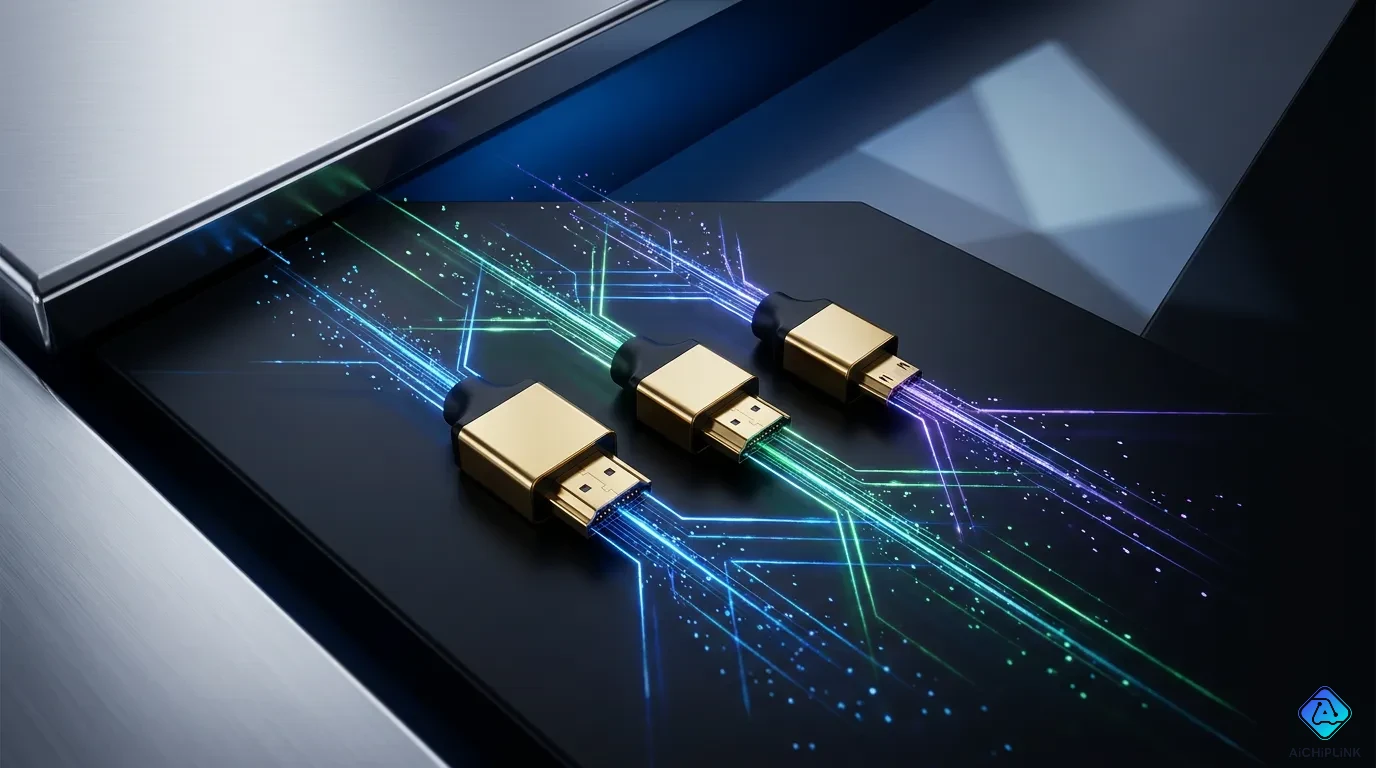
High-definition multimedia interface technology connects video sources to your displays. You must select the right option among available hdmi cable types based on bandwidth, physical shape, and version capabilities.
Performance categories measure bandwidth speed. Physical plug categories include common form factor A plugs down to specialized Automotive E connectors. Internal protocol standards range from legacy release 1.4 up to modern version 2.1b.
| Source | Context | Cumulative Shipments |
|---|---|---|
| HDMI Forum | 2019 press release | 8 billion devices |
| Official HDMI website | Undated | Nearly 14 billion devices |
Manufacturers build every modern hdmi cable for specific hardware requirements. You protect your system performance by matching your cable type to your display standard.
Key Takeaways
-
Pick the right HDMI cable speed level to stop your video from blinking and your sound from cutting out.
-
Pick the correct plug shape, such as Standard Type A or Micro Type D, for your device.
-
Use Ultra High Speed HDMI cables to play 4K and 8K games on modern systems.
-
Check the real QR code sticker on the box so you do not buy a fake cable.
HDMI Cable Types by Bandwidth
Performance groups show how fast an hdmi cable sends data to your TV. Lower speed options manage simple video signals easily. Higher speed options carry complex sound and detailed high-resolution video streams. Picking the right speed rating prevents screen flickering and signal loss on modern displays.
Standard and High Speed HDMI
Older display tech used the standard hdmi cable performance level. Standard cables process sound and video data at a top bandwidth speed of 4.95 Gbps. This performance level supports older standard-definition and 720p hardware setups without any trouble.
Standard HDMI cables are designed for basic 1080i/720p video and connecting older devices.
Specialized setups needed extra data paths over time. Companies created the standard with ethernet feature to send internet data with standard-definition signals. Car systems also use a tough standard cable style. This unique type handles harsh bumps and temperature changes inside motor vehicles.
Moving up to a high speed hdmi cable boosts your speed limit to 10.2 Gbps. This bigger space allows the delivery of clear 1080p video signals and rich deep color formats. Most home theater gear built before 4K came out uses this common standard. You can also pick a high speed hdmi cable with ethernet to share internet connections between smart home media devices.
| Cable Performance Category | Maximum Bandwidth | Maximum Supported Video Resolution |
|---|---|---|
| Standard | 4.95 Gbps | 1080i / 720p at 60Hz |
| High Speed | 10.2 Gbps | 1080p / 4K at 30Hz |
| Premium High Speed | 18.0 Gbps | 4K at 60Hz |
| Ultra High Speed | 48.0 Gbps | 8K at 60Hz / 4K at 120Hz |
Premium and Ultra High Speed HDMI Cable
New 4k/ultrahd screens need faster data movement for smooth action on display. A premium high speed hdmi cable raises bandwidth performance to 18.0 Gbps. This tier runs 4K video at 60Hz while offering dynamic contrast features.
The HDMI Licensing Administrator enforces strict standards for this classification:
-
Testers must check every cable length for all models at an official HDMI Authorized Test Center (ATC).
-
Cables must pass an EMI test to prove they reduce signal noise near wireless gear.
-
Cables must handle the complete 18Gbps bandwidth speed and run clear 4K@60Hz video smoothly.
-
Makers must stick a real anti-counterfeiting tag featuring a unique QR code onto every item.
-
Official groups inspect these products regularly to confirm they meet all quality standards.
-
Sellers must put the official Premium HDMI Cable Certification Label directly on the box.
New gaming systems and 8K displays require an ultra high speed hdmi cable. Built for modern gear, this top-level category supports up to 48 Gbps bandwidth speed. This huge data path guarantees smooth delivery for demanding features. You can run uncompressed 8k@60 video signals alongside high-frame-rate 4k@120 gaming content easily.
This advanced cable group has strong shielding against magnetic interference. The low-emission design keeps nearby devices working well while sending hdmi signals through packed gear setups. Buying this modern hdmi connection guarantees full support for all current sound and display systems.
Physical HDMI Connector Types
Standard Type A and Mini Type C
Modern screens plug into your devices using several physical hardware choices. Popular media boxes use basic hdmi ports and plugs to send out great video. The standard Type A plug hooks up smart TVs, video streamers, game boxes, and computer screens. This famous full-sized plug measures 13.9 by 4.45 millimeters. It keeps nineteen tiny pins inside a strong metal shell to help send hdmi signals clearly between your home devices.
Small portable gear needs tiny hdmi plugs to fit inside thin cases. A Mini Type C plug fits right into DSLR cameras, video recorders, and slim tablets. This smaller plug measures 10.42 by 2.42 millimeters while keeping all nineteen pin tracks inside. You can send clear hdmi video from small gadgets straight to giant screens without using big extra adapters.
| Connector | Dimensions (mm) |
|---|---|
| Format A | 13.9 x 4.45 |
| Mini Format C | 10.42 x 2.42 |
| Micro Format D | 5.83 x 2.20 |
Micro Type D and Automotive Type E
Super tiny mobile gear uses small hdmi plugs to keep devices lightweight. A Micro D plug measures 5.83 by 2.20 millimeters. Some official size charts list this thin option at 6.4 by 2.8 millimeters instead. This tiny shape fits small action cameras, mobile gadgets, and tiny media players. You can easily connect these hdmi ports to big screens while keeping sharp high-definition picture quality.
Cars use special hdmi ports and plugs for backseat screens and dashboard displays. An Automotive Type E plug handles extreme heat, deep cold, and constant car bumps easily. A built-in plastic latch clicks loudly when an installer hooks it up. This strong lock keeps cables from shaking loose while meeting tough USCAR-2 automotive safety standards. Special plastic grooves prevent you from plugging it in backward inside your car. Buying a tough hdmi cable keeps your video screen clear and steady on every long road trip.
Evolution of HDMI Standards
Legacy HDMI 1.4 to 2.0 Features
Tech groups update hdmi features regularly to upgrade your setup. Creators released these fixes to push sharp video from players to TV screens.
The 1.4 version added key features for your media center:
-
Audio Return Channel (ARC) lets TVs send sound to a speaker bar without extra wires.
-
3D display rules help send 3D movies from disc players to modern TV screens.
-
Ultra HD settings run sharp pictures up to 3840×2160 on early 4K screens.
-
Tiny micro plugs help small phones push clear sound and picture to giant displays.
-
Shared internet lines help connected devices talk to the web over one wire.
Designers later made version 2.0 to boost total hardware power. This big change boosted data speed limits up to 18 Gbps. This extra space let screens play clear 4K movies smoothly at 60 frames per second. Audio options improved too because it handled 32 sound channels for theater-style Dolby Atmos. System tools even let two people watch different videos on one screen together. Later updates like 2.0a and 2.0b added HDR options for brighter colors and dark shadows.
Modern HDMI 2.1 and 2.1b Standards
New game consoles use the fast hdmi 2.1 framework. This update raises overall data speed to 48 Gbps using special Ultra High Speed cords. The system pushes picture size up to 10K while adding dynamic features to upgrade your setup:
| Feature | Description | Improvement |
|---|---|---|
| eARC | Sends total sound formats like Dolby Atmos with smart voice syncing. | Delivers clear audio from apps to speakers without extra wires. |
| VRR | Matches screen speed directly with your graphic card outputs. | Delivers smooth play by removing broken frames and game lag. |
| ALLM | Spot active video games and switches off picture delays. | Reduces lag without making you change settings in TV menus. |
The modern 2.1 system uses Dynamic HDR to tweak colors frame by frame. Systems like Dolby Vision use this data to show clear details in dark scenes. Quick Media Switching (QMS) stops dark screen delays when video speeds change quickly. Quick Frame Transport (QFT) lowers lag time for fast video games. Display Stream Compression (DSC) shrinks big files so clear images load fast.
The 2.1b fix works as a fine tuning step from tech leaders. This update adds Source-Based Tone Mapping (SBTM) to let media players handle HDR settings. The system carries smooth 8k@60 video signals with rich 12-bit color paths. By using DSC shrinking, wires can push 10K images at 120 frames every second.
Buying rated cables promises good performance across your home devices. People often talk about an hdmi 2.2 idea, but makers focus on current 2.1b tech. Pairing your hardware with these cable choices guarantees great picture quality across your home screen setup.
Choosing the Right HDMI Cable
You must pick the correct cable for your home display setup. Buying the wrong type leads to video blackouts and audio problems.
Official Cable Certification Labels
Official packaging displays a clear hdmi cable certification label. The HDMI Licensing Administrator requires this mandatory certification sticker on every product box. The label features Authentic Vision's Holographic Fingerprint technology to stop counterfeit products effectively. You can spot a unique QR code with a randomized hologram in the center.
-
You can scan the label using the official HDMI Verification App on your iOS or Android smartphone.
-
The app displays authentic along with detailed product information immediately upon scanning.
This physical validation step guarantees your purchase meets every safety specification clearly. Official certification guarantees smooth video performance without signal dropouts.
Matching Cables to Devices
Modern home equipment requires specific performance levels to run video content smoothly. A high speed cable handles basic 1080p video streams easily. A premium high speed hdmi cable pushes 18Gbps bandwidth to run high-resolution content at 60Hz with bright colors. Modern consoles like the PS5 and Xbox Series X need an ultra high speed hdmi cable to unlock their full power.
For PS5 and Xbox Series X owners: both consoles output 4K @ 120Hz over HDMI 2.1. To actually get this, you need a TV or monitor with an HDMI 2.1 port and an Ultra High Speed HDMI cable.
You can check your equipment manual or official manufacturer website to confirm supported HDMI 2.1 features. Using the wrong cord type creates major system issues across your media room:
-
HDMI 2.1 devices experience missing features or lower resolutions on old cables.
-
HDCP version mismatches cause total video blackouts and system error messages.
-
Deep color settings produce washed-out picture colors on unsupported displays.
Always look for official hdmi cable certification labels on the box to get proper performance. Matching your wire to your device standard saves money and protects your home system.
Selecting the correct hdmi cable speed rating and physical connector shape guarantees optimal performance for all your home hdmi devices.
Matching connector sizes like Standard Type A or Micro Type D ensures a secure hardware fit every time. You must look for an official hdmi cable certification label on the physical package. Authentic validation logos easily prevent you from buying inadequate legacy wires for advanced hdmi 4K and 8K TV screens. This simple, smart habit also protects your wallet from overspending on unneeded bandwidth specs for basic displays. Checking these product labels carefully guarantees crisp video signals across your modern hdmi display network.

Written by Jack Elliott from AIChipLink.
AIChipLink, one of the fastest-growing global independent electronic components distributors in the world, offers millions of products from thousands of manufacturers, and many of our in-stock parts is available to ship same day.
We mainly source and distribute integrated circuit (IC) products of brands such as Broadcom, Microchip, Texas Instruments, Infineon, NXP, Analog Devices, Qualcomm, Intel, etc., which are widely used in communication & network, telecom, industrial control, new energy and automotive electronics.
Empowered by AI, Linked to the Future. Get started on AIChipLink and submit your RFQ online today!
Frequently Asked Questions
What physical hdmi connector types exist?
You can pick from four different plug shapes. Standard Type A plugs hook up to normal TVs. Mini Type C and Micro D styles fit smaller electronic gadgets. Automotive Type E plugs lock hdmi cables tightly inside cars and trucks.
Is there an official hdmi 2.2 specification available?
Tech groups have not created an official hdmi 2.2 system yet. Video device companies build current hdmi standards into modern gear instead. You get crisp images on new screens by using rated version 2.1b hardware.
How do you choose the right hdmi cable?
You need to pick a cord speed that matches your screen. Simple high speed hdmi options handle regular 1080p video setups without any trouble. Fast ultra high speed options send clear 4K and 8K video to modern displays.