What Is a USB-C E-Marker Chip and What Does It Do?
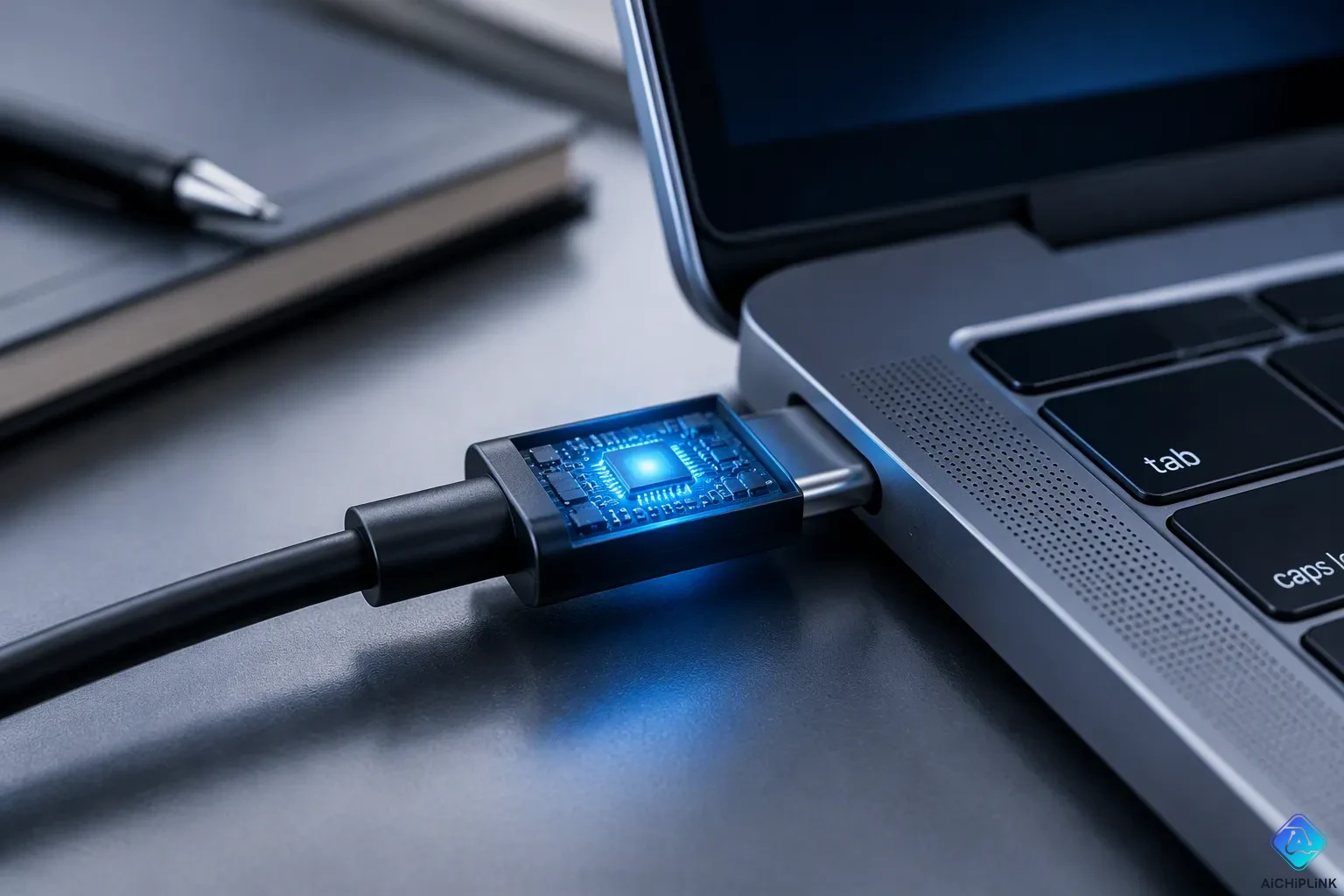
A USB-C E-Marker chip is a tiny electronic chip built into many cables. It tells connected devices what the cable can handle—power and speed.
Have you ever wondered why two USB-C cables that look the same charge at very different speeds? The answer often sits inside the connector, hidden from view. One cable may deliver a fast charge, while its twin crawls along.
That hidden part deserves your attention. A quick look at what it declares helps you judge safety and performance before you buy. The e-marker also protects your gear from too much power draw. Some cheap cables may skip it entirely.
Key Takeaways
-
An E-Marker chip inside USB-C cables tells devices the cable's power and speed limits.
-
The chip stops overheating and damage by making sure power is delivered safely.
-
Cables with an E-Marker allow quicker charging and data transfer.
-
Look for USB-IF certification and clear power ratings to confirm an E-Marker.
-
Pick a certified E-Marker cable to get safe, full-speed performance with laptops and docks.
What Is an E-Marker and What Does It Do?
A Tiny Chip With a Big Job
An E-Marker is an electronic marker chip inside USB Type-C connectors. It sits on the connector head and speaks for the cable. When you plug in a charger or a laptop, this chip joins the conversation between the power source and your device. Think of it as a middleman with the final word. The chip stores the cable's maximum supported current and voltage, its length, its USB signal type, vendor and product ID, and alternate mode support. All of that data is programmed into the cable's e-marker at the factory.
The power delivery negotiation process follows a clear sequence. First, a Power Delivery (PD) negotiation starts before enumeration. The source, the sink, and the cable all take part. Data packets then travel between them: a Preamble for clock sync, an SOP or SOP' marker that identifies each participant, a header, data packets with Vendor ID, Product ID, and capabilities, and a CRC packet for integrity checks. The cable uses SOP' to report its limits to the source. This SOP' step is required for power contracts above 3 Amps or 60 watts. After that, the source declares its power options, the sink requests one, and the agreed level flows. The e-mark chip keeps every party honest, so a 100W request never runs through a cable built for far less.
Power, Speed, and the 3A Rule
The E-Marker declares two independent things: power capability and data speed. These two ratings have nothing to do with each other. A cable can carry high current and still move data slowly, or the reverse. That is why you should read both numbers on any USB-C product page.
One safety rule matters most. If a power adapter outputs more than 3A, you need a 5A wire with an E-Marker. The USB PD specification makes this mandatory:
Per the USB PD specification, an e-Marker is mandatory on any cable that either supports SuperSpeed data or carries more than 3A of current.
A cable with a built-in E-Marker IC can support up to 5A for 100W (20V 5A) Power Delivery. That headroom makes fast usb-pd charging possible. The table below sums up the ratings you can expect.
| Specification | Rating |
|---|---|
| Maximum Power | Up to 100W (20V, 5A) |
| Maximum Data Transfer Rate | Up to 10Gbps (USB 3.1 Gen 2) |
| E-Marker Chip | Embedded E-marker chips |
So, what is an e-marker in plain terms? It is the part of a usb-c e-marker chip setup that lets a usb-c cable carry serious power without guesswork. The e-mark system protects your gear, and the e-marker chip makes usb power delivery safe for everyday charging.
Why the E-Marker Matters
Safe Charging and Damage Prevention
The E-Marker chip stores cable metadata, including the supported voltage and current. It uses this data so source and sink devices can negotiate power safely. Because both connected devices learn the cable's safe current-carrying capacity, the system confirms what the cable can safely carry. This check prevents too much current draw, overheating, and port damage.
Think of it as a quick check-in before electricity flows. The device asks only for the power it needs, and the system delivers exactly that. Your device never draws more current than the cable is rated to handle. This protection matters most during power delivery negotiation, when a laptop may ask for far more than a thin cable can survive.
The limits are strict and predictable. Cables rated above 3A need an embedded E-Marker chip in the connector housing to handle higher current safely. Without the E-Marker, the host device limits power delivery to safer levels. It will not go past the 3A/60W ceiling.
| Condition | Voltage Limit | Current Limit | Power Cap |
|---|---|---|---|
| No E-Marker present | 20V | 3A | 60W (throttled or refused above this) |
| E-Marker present | Up to 20V+ (negotiated) | Above 3A (e.g., for 100W/240W) | 100W–240W |
Without an E-Marker chip, cables fall back to the USB-C baseline: 15W (5V × 3A). The device will not negotiate higher power because the cable cannot communicate its capabilities.
That fallback is safe, yet it is slow. A cable with a proper e-mark unlocks the full usb-pd charging speed your charger and laptop were built for.
Full Data and Video Performance
The same chip that guards current also unlocks speed. E-Markers enable high-wattage charging at 100W or 240W, fast data transfer, and stable 4K video. A certified type-c cable with the chip inside can carry all three at once. Your docking station, external drive, and monitor all benefit.
Compare that with budget usb-c to usb-c cables limited to USB 2.0 speeds of 480 Mbps. These often lack an E-Marker chip entirely. They work fine for basic charging, yet they cap your data rate and block high-wattage usb power delivery. Nothing is wrong with them for simple tasks. Just know where they fit.
The usb-c e-marker chip is the difference between a cable that merely connects and one that performs. Check the rating before you trust a cable with your best hardware.
Spotting an E-Marker in a USB Type-C Cable
Check Specs and Markings
You can often confirm an e-marker in a usb type-c cable before you plug it in. Start by reading the packaging and the product page. Cables that advertise these features must carry the chip:
-
100W or 240W PD wattage labels
-
USB 3.2, Thunderbolt, or USB4 speed labels
-
"Video output support" for display or Alternate Mode
A 5A rating also points to the chip, because any power contract above 3 Amps or 60 watts requires it. Look for a USB-IF certification ID too. You can check that ID through the official product search at usb.org/products. That tool lists only products that passed the USB-IF Compliance Program.
Then check the fine print. Wattage, length, and the USB-IF logo should be easy to read at arm's length. Treat a 240W claim as unproven unless PD 3.1 documentation backs it up.
A supplier may give acceptable evidence for one construction, while a retailer's package artwork makes a wider claim. If the package says "high-speed," "laptop charging," or a specific power level, the buyer should make sure the test plan and product version support that wording.
Use a Tester or Diagnostic Tool
A USB power tester or diagnostic tool can confirm whether an E-Marker is present. Plug the cable between a power source and the meter, then read the reported current and voltage. A cable without the chip falls back to the baseline, so the meter shows a lower ceiling.
For deeper checks, special hardware performs e-marker verification. It compares the values programmed into the cable against the USB specification and fails the cable on a mismatch.
| Tool | E-Marker Testing Capability | Other Notable Features |
|---|---|---|
| Advanced Cable Tester v2 | Verifies the E-Marker against spec values; reports Product ID, Vendor ID, and Test ID | Continuity testing, DC resistance, signal integrity up to 12.8 Gbps |
| USB Power Delivery Analyzer | Supports E-Marker and Power Delivery analysis | Used alongside the cable tester for deeper test-result review |
This step takes a minute and settles the question. Trust the reading over the label.
Buying a USB Type-C Cable With an E-Marker
Certifications and Ratings to Look For
Begin by looking for USB-IF certification. This is the group that created USB-C, and it gives out this certification. It shows a cable passed tests for performance, power control, and safety. For cables rated above 60W, USB-IF certification requires an E-Marker. So a certified cable has one built in by default.
Check the package and the connector head for the logo. You can also look up the certification number to confirm it is real. A brand cable rated for at least USB 3.1 speeds and 100W power delivery will have an E-Marker chip. It should show the USB or Thunderbolt logo as proof.
-
USB-IF logo shown clearly on the package
-
Certification number you can look up
-
Clear power and speed ratings on the listing
Cost vs. Performance Trade-Offs
E-Marker cables may cost more. They give you safer charging and the speeds the listing promises. Cheap cables without the chip raise the risk of overheating and unstable charging. They cannot safely deliver higher power levels. The host device may shut off the port if it finds a wrong setup, or the host itself could be damaged.
High-performance USB-C cables (above 3A, 5 Gbps or faster) need an E-Marker chip.
Where does each option fit? A basic cable works for simple charging at low wattage. A certified e-mark cable fits laptops, docks, and displays that need full PD power. Our company may sell every option, so weigh your device against the price. Match the cable to the job, and you get the right value either way.
That tiny usb-c e-marker chip does a big job. It reports the cable's limits to your charger and device, so high-power pd charging stays within spec. This handshake lowers the risk of overheating and damage. A certified chip keeps communication accurate, while a poor-quality cable may misreport its limits.
Judge a usb type-c cable by its data, not its looks. Check for the chip, a USB-IF listing, and clear power and speed ratings. E-marker cables cost more, yet they deliver the safe charging and steady performance you expect.
Before you buy, check: Does the listing name the chip? Can you verify the certification? Do the ratings match your device?

Written by Jack Elliott from AIChipLink.
AIChipLink, one of the fastest-growing global independent electronic components distributors in the world, offers millions of products from thousands of manufacturers, and many of our in-stock parts is available to ship same day.
We mainly source and distribute integrated circuit (IC) products of brands such as Broadcom, Microchip, Texas Instruments, Infineon, NXP, Analog Devices, Qualcomm, Intel, etc., which are widely used in communication & network, telecom, industrial control, new energy and automotive electronics.
Empowered by AI, Linked to the Future. Get started on AIChipLink and submit your RFQ online today!
Frequently Asked Questions
Does every USB-C cable have an E-Marker chip?
No. Many basic cables skip the chip. A cable rated at or below 3A and 60W does not need one. Cables above that limit must carry the chip. Check the label before you trust a cable with a laptop.
What happens if you use a 5A charger with a cable that has no E-Marker?
The charger and device fall back to the baseline. They will not negotiate above 3A, so you get slower charging. The setup stays safe, yet you lose the fast charge your hardware can deliver.
Can a cable with an E-Marker still limit data speed?
Yes. The chip reports power and speed as separate values. A cable may carry 100W and still move data at USB 2.0 rates of 480 Mbps. Read both ratings on the listing.
Is an E-Marker required for video output over USB-C?
Not always. Video depends on the cable's high-speed data wires and Alternate Mode support. A full-featured type-c cable with the chip handles both. Confirm the video rating on the package before you buy.