Capacitor Discharge Stories from Real Life Repairs
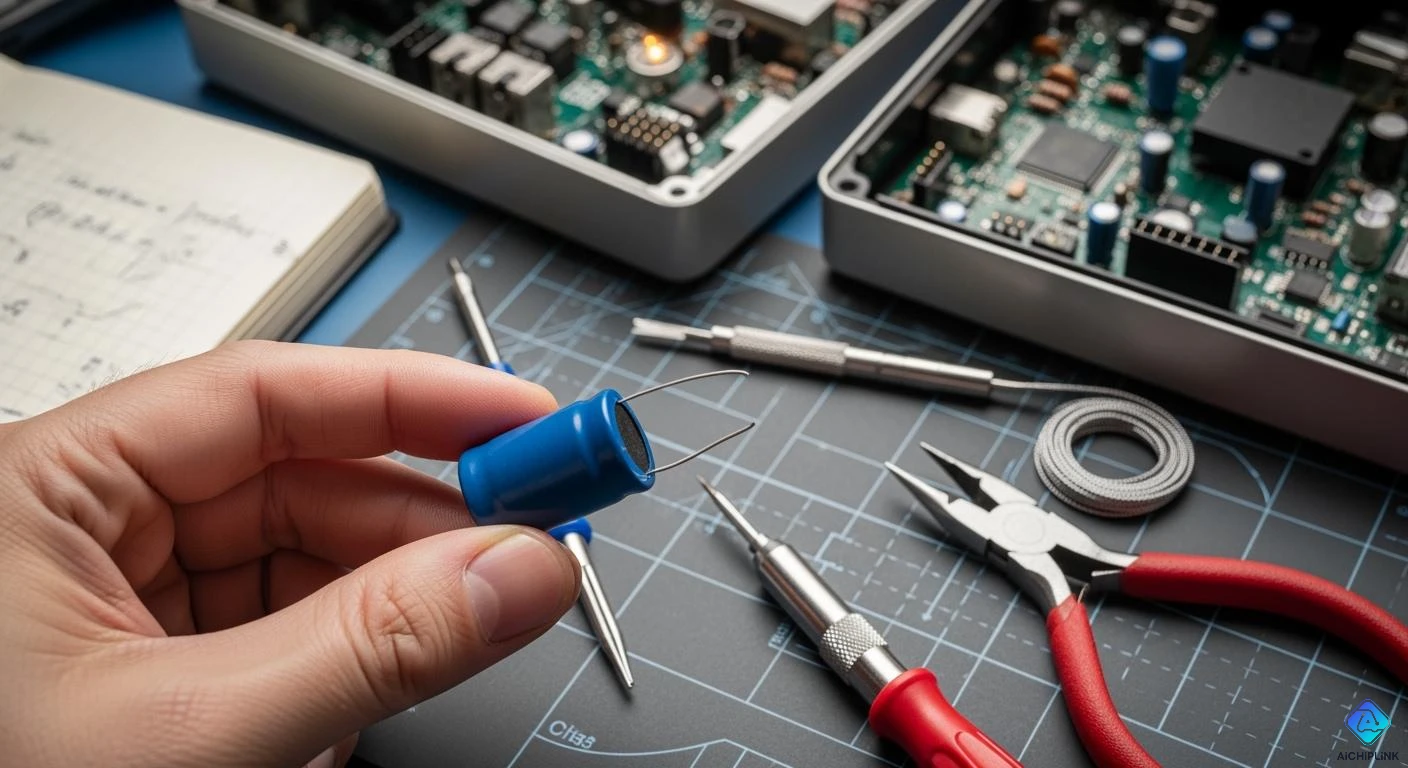
You will always remember your first shock from a capacitor discharge. These things can surprise even people who are very careful. Dangers can hide in places you do not expect. Sometimes, there are small discharges that make parts weaker. There can also be problems from the way things are made. Have you ever thought about how real repair stories can help you see danger? Let’s find out by looking at what really happens.
Key Takeaways
-
Always look for warning signs before you touch any device. Watch for sparks, buzzing sounds, or labels that warn about stored energy.
-
Use the correct tools to safely discharge capacitors. Do not use metal tools like screwdrivers. Use insulated tools or special discharge accessories instead.
-
Make safety a habit every time. Always wear gloves and safety glasses. Follow the right steps to stop shocks and accidents during repairs.
Capacitor Discharge Incidents
Warning Signs in Repairs
You might think a device is safe once you unplug it. That is not always true. Capacitors can hold a charge even after you turn off the power. This leftover energy can give you a nasty shock or even burn you. You need to watch for warning signs before you touch anything inside a device.
Here are some things you should look for:
-
The device has been unplugged, but you still see a spark or hear a pop when you touch a part.
-
You notice large capacitors, especially in power supplies or HVAC units. These can store high voltage, sometimes between 370 to 440 volts.
-
The label says "aluminum electrolytic capacitor." These types can hold a charge for a long time.
-
You feel a tingling or buzzing when you touch metal parts.
-
You see warning stickers or safety instructions near the capacitor.
Tip: Always remember that OSHA rules say you must discharge capacitors and ground them before you start any repair. This keeps you safe and helps prevent accidents.
If you spot any of these signs, stop and think. You need to discharge capacitors before you go any further. This step can save you from a painful shock.
Real-Life Examples
Let’s look at some real stories from the repair world. These examples show why capacitor discharge is so important for your safety.
-
The Exploding Aluminum Electrolytic Capacitor
You open up an old stereo. You see a big aluminum electrolytic capacitor. You think it is safe because the power is off. You touch the leads with a screwdriver. Suddenly, there is a loud bang. The capacitor explodes, and bits of metal fly everywhere. You are lucky you wore safety glasses. This happens because the capacitor still held a charge. Always use a proper discharge tool, not a screwdriver. -
Unsafe Screwdriver Discharge Attempt
You try to discharge a capacitor by shorting the leads with a screwdriver. You hear a loud snap and see a bright spark. The screwdriver tip melts a little. This is not a safe way to discharge capacitors. You could get shocked, or the tool could break. Always use a resistor or a special discharge tool. -
Safer DMM Accessory Use
You use a digital multimeter (DMM) with a discharge accessory. You connect the leads and watch the voltage drop safely. You do not hear any noise or see any sparks. This method keeps you safe and protects the device. -
HVAC Capacitor Discharge
You work on an air conditioner. The capacitor inside holds up to 440 volts. You forget to discharge it. When you touch the terminals, you get a strong shock. You drop your tool and feel your heart race. After this, you always check and discharge capacitors before repairs. -
Camera Flash Shock
You repair a camera. The flash uses a small but powerful capacitor. You think it is safe, but when you touch the circuit, you get a sharp zap. The shock makes your hand jerk. You learn to always discharge the flash capacitor before working on cameras.
Note: These stories show that capacitor discharge is not just a rule. It is a real safety step that protects you from harm.
You can see that recognizing the signs and context before you discharge is key. If you rush or skip steps, you put yourself at risk. Take your time. Use the right tools. Make safety your top priority every time you repair something with capacitors.
Investigation and Safety Solutions
Diagnostic Steps
When you start a repair, you need to be careful. You want to stay safe and keep your equipment safe too. Here is a simple guide you can use before you touch any capacitor:
-
Power Down
Turn off the system at the thermostat and breaker panel. Use a multimeter to check that there is no voltage. -
Access the Unit
Open the access panel. Look for large capacitors, like an aluminum electrolytic capacitor. These can still have a dangerous charge. -
Discharge Stored Energy
Use an insulated tool to let out any stored energy. Do not use a bare metal tool or your hands. -
Verify & Label
Check the microfarad rating on the capacitor. Put a label on each wire so you can put them back in the right place. -
Swap the Capacitor
Take out the old part and put in a new one that matches. This helps keep things safe and working well. -
Reconnect & Test
Attach all wires to the right terminals. Turn the power back on and test the system to see if it works.
Professional technicians check the capacitor and the contactor for hidden problems. They use a meter to measure capacitance and compare it to the label. They look for damage and check the coil resistance. They also check the voltage and current when the system is running. Sometimes, they check the temperature and vibration to find damage. When you change parts, always use the right kind and tighten connections as the manufacturer says.
Tip: If you see leaking or swelling on a capacitor, change it right away. This can stop bigger problems from happening later.
Safe Discharge Methods
You need to use the right way to discharge a capacitor. This keeps you safe and protects your equipment. Here are some good tips:
-
Turn off all power before you start.
-
Wait a few minutes for self-healing capacitors or ones with bleed resistors to lose some charge.
-
Wear insulated gloves and safety glasses every time you work with electronics.
-
Use insulated tools. Never touch the terminals with your hands.
-
Always check the voltage with a multimeter before and after you discharge.
-
For big or high-voltage capacitors, use a resistor to control the discharge. This is safer than making a direct short.
-
Work in a dry, clean place to stop accidents.
Never use homemade tools to discharge a capacitor. The wrong tool can slip, cause a short, or break the part. Large capacitors, like an aluminum electrolytic capacitor, can keep a charge even after you unplug the device. Always use tools made for the job.
Safety Alert: If you do not discharge a capacitor the right way, you can get hurt. Always follow safety tips and use the right tools.
Lessons and Prevention
You can learn a lot from real repair stories. Many accidents happen when someone skips a step or uses the wrong tool. Here are some ways to stop capacitor discharge accidents:
-
Use bleeder resistors that stay connected if you can.
-
Put in automatic-shorting devices that work when you open the case.
-
Make sure the discharge time to a safe voltage is less than five minutes.
-
Use manual-grounding devices that are easy to see and use.
-
Mark grounding points clearly and check all connections.
Root cause analysis helps you find out why an accident happened. This lets you fix the problem and make your process better. Customer feedback can also show you risks you might not see. When you listen to feedback and study mistakes, you make repairs safer for everyone.
Remember: Safety is not just about rules. It is about building good habits every time you work with electronics. Stay alert, use the right tools, and always check for hidden dangers. This way, you can avoid shocks and keep your workspace safe.
Real stories show us why safety matters. Always look for stored energy before you start. Use the correct tools for every repair. Safety means wearing gloves and using a multimeter. Follow all the rules to stay safe. Share your own stories so others can learn. Make safety a habit whenever you fix electronics.

Written by Jack Elliott from AIChipLink.
AIChipLink, one of the fastest-growing global independent electronic components distributors in the world, offers millions of products from thousands of manufacturers, and many of our in-stock parts is available to ship same day.
We mainly source and distribute integrated circuit (IC) products of brands such as Broadcom, Microchip, Texas Instruments, Infineon, NXP, Analog Devices, Qualcomm, Intel, etc., which are widely used in communication & network, telecom, industrial control, new energy and automotive electronics.
Empowered by AI, Linked to the Future. Get started on AIChipLink and submit your RFQ online today!
Frequently Asked Questions
What should you do before touching a capacitor?
You need to check for leftover charge. Use a multimeter. Always follow safety steps to protect yourself and your tools.
Why is using the right tool important for safety?
If you use the wrong tool, you risk shock or damage. The right tool helps you discharge safely and keeps your workspace safe.
Can you skip safety steps if the device is unplugged?
No, you should never skip safety steps. Capacitors can still hold energy. Always check and discharge before you start any repair.