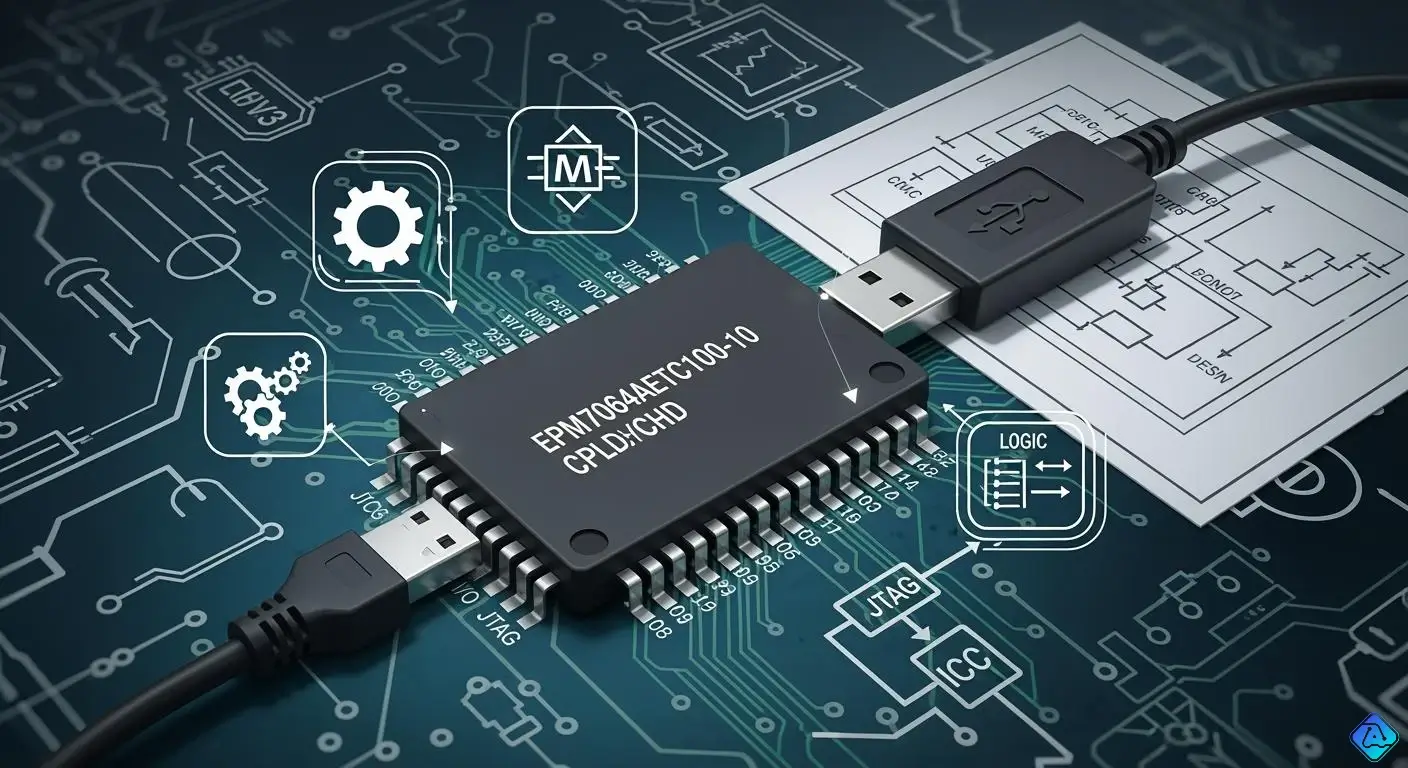
You use the epm7064aetc100-10 cpld to make digital logic. This device has 64 macrocells for your projects. It can work up to 222.2 MHz speed. It uses a 3.3 V power supply. The TQFP-100 package is simple to put on a board. The pinout lets you connect signals for control and data. You program the epm7064aetc100-10 with EEPROM memory. This means you can change your designs later. People pick the epm7064aetc100-10 for digital control. It is also used for signal processing and custom interfaces.
| Specification | Value |
|---|---|
| Number of Macrocells | 64 |
| Maximum Operating Frequency | 222.2 MHz |
| Operating Supply Voltage | 3.3 V |
| Supply Voltage - Max | 3.6 V |
| Supply Voltage - Min | 3 V |
| Package / Case | TQFP-100 |
Key Takeaways
-
The EPM7064AETC100-10 CPLD has 64 macrocells. It can work at speeds up to 222.2 MHz. This makes it good for fast digital logic jobs.
-
Knowing the pinout is very important. It helps you connect signals, power, and control lines the right way. Always check the official datasheet for pin details.
-
You can program the CPLD with EEPROM technology. This lets you update designs many times. You do not need to take the device off the board.
-
The device works with different I/O voltage levels. This makes it useful for many things, like digital control and signal processing.
-
In-system programmability and the JTAG interface make programming easier. You can quickly update and test your designs.
EPM7064AETC100-10 CPLD Pinout
When you work with the epm7064aetc100-10, you need to understand the pinout. The pinout shows you where to connect signals, power, and control lines. You find the pinout in the datasheet for the epm7064aetc100-10 cpld. This section helps you use the device in your project.
Pinout Table
The epm7064aetc100-10 comes in a 100-pin TQFP package. You see the pinout in the table below. This table lists the main pin groups and their functions. You use it to plan your board layout and wiring.
| Pin Number Range | Pin Name/Type | Function |
|---|---|---|
| 1-68 | I/O | Programmable Input/Output |
| 69 | VCCINT | Internal Core Voltage |
| 70 | VCCIO | I/O Voltage Supply |
| 71 | GND | Ground |
| 72 | GND | Ground |
| 73 | VCC | Main Power Supply |
| 74 | CLK | Clock Input |
| 75 | OE | Output Enable |
| 76 | RESET | Global Reset |
| 77 | TDI | JTAG Data In |
| 78 | TDO | JTAG Data Out |
| 79 | TCK | JTAG Clock |
| 80 | TMS | JTAG Mode Select |
| 81-100 | I/O | Programmable Input/Output |
Tip: You should always check the official datasheet for the full pinout. The datasheet gives you extra details for each pin.
Pin Functions
You use the pins on the epm7064aetc100-10 for different tasks. Most pins work as programmable I/O. You can set these pins as inputs or outputs in your design. The device gives you 68 programmable I/O pins. You use these pins to connect switches, LEDs, sensors, or other chips.
Some pins have special jobs. The clock (CLK) pin lets you send timing signals. You use the output enable (OE) pin to control when outputs turn on. The reset (RESET) pin lets you restart the cpld. You use the JTAG pins (TDI, TDO, TCK, TMS) for programming and testing. These pins help you update your design or check for problems.
Power pins keep the epm7064aetc100-10 running. You connect VCC, VCCIO, and VCCINT to your power supply. Ground pins (GND) complete the circuit.
Special Inputs
You find some pins on the epm7064aetc100-10 that work as special inputs. The clock input (CLK) controls timing for your logic. You use the reset input (RESET) to clear all logic and start fresh. Output enable (OE) lets you control when outputs send signals. JTAG pins help you program the cpld and run tests.
You need to connect these special inputs the right way. If you do not connect the clock pin, your logic will not work. If you leave the reset pin floating, your cpld might not start correctly. You use the JTAG pins with a programmer when you want to change your design.
The datasheet for the epm7064aetc100-10 shows you how to use each special input. You find tables and diagrams that make it easy to follow. The device uses EEPROM memory, so you can reprogram it many times. You get 64 macrocells and 222.2 MHz speed, which means you can build fast and flexible logic.
Note: Always use the recommended voltage levels. The epm7064aetc100-10 works best at 3.3 V. You should keep the supply voltage between 3 V and 3.6 V.
You now know how to read the pinout for the epm7064aetc100-10. You can use the pin functions and special inputs to build your own digital projects.
EPM7064AETC100-10 Features
Logic and Architecture
You use the epm7064aetc100-10 cpld when you want flexible digital logic. This device uses the trusted max 7000a architecture. It has 4 logic array blocks, called LABs, and 64 macrocells. Each macrocell lets you make your own logic functions. The design helps you get fast logic performance. You can make circuits for control, data work, or moving signals.
| Feature | Value |
|---|---|
| Number of Logic Blocks | 4 |
| Number of Macrocells | 64 |
| Logic Array Blocks (LABs) | 4 |
Speed and Voltage
The epm7064aetc100-10 gives you good speed and voltage. It can run up to 222.2 MHz, so it works fast. The voltage can be from 3 V to 3.6 V. You should use 3.3 V for best results. These things help you make strong cpld designs for hard jobs.
| Specification | Value |
|---|---|
| Maximum Operating Frequency | 222.2 MHz |
| Voltage Range | 3 V to 3.6 V |
Tip: Always check your power before you use the epm7064aetc100-10. A steady voltage keeps your cpld working well.
Package and Technology
The epm7064aetc100-10 comes in a TQFP-100 package. This type is easy to put on new boards. The device uses EEPROM technology, so you can change your logic many times. You get a tray to keep it safe when shipping or storing. These things make the epm7064aetc100-10 good for testing and making products.
| Package Type | TQFP-100 |
|---|---|
| Semiconductor Technology | EEPROM |
| Mounting Style | SMD/SMT |
| Packaging | Tray |
I/O and Control Signals
You use the i/o pins to connect the epm7064aetc100-10 to other things. The cpld works with MultiVolt™ i/o, so you can use 5.0 V, 3.3 V, or 2.5 V logic. There are 64 programmable i/o pins. Each pin can be an input or output. You can control signals with clock, clear, preset, and enable options. The device has open-drain outputs for bus designs. You can change the output slew rate to lower noise. The non-volatile memory keeps your setup safe, even if power goes out.
| Feature | Description |
|---|---|
| Logic Technology | Altera’s 3.3 V EEPROM logic technology gives fast, reliable, and changeable logic control. |
| Non-volatile Memory | Keeps your setup even after power loss, which is good for embedded and industrial systems. |
| MultiVolt™ I/O Compatibility | Lets you use 5.0 V, 3.3 V, and 2.5 V logic levels for different parts. |
| Programmable Macrocell Functions | 64 macrocells let you set clock, clear, preset, and enable signals for flexible logic. |
| Programmable Slew Rate | You can change the output slew rate to cut down noise and help EMI. |
| Open-Drain Outputs | Lets you use shared lines or bus designs for more ways to connect. |
You can use the i/o pins to connect sensors, switches, or other chips. The control signals help you manage timing and logic in your project.
EPM7064AETC100-10 Programming
You should learn how to program the epm7064aetc100-10 before using it. This part tells you how to program the cpld and what tools you need. It also shows how to fix common problems. You will find out about in-system programmability, the jtag interface, and the steps for programming.
Programming Methods
You can program the epm7064aetc100-10 with EEPROM-based technology. This lets you change your logic design many times. You do not have to take the device off your board. You use the jtag interface to program and test the device. The cpld has an adaptive algorithm to help programming work well. You can update your design while the device stays on your board. This makes it easy to try new ideas or fix products.
The epm7064aetc100-10 works with different programming interfaces and protocols. You can see the main choices in the table below:
| Programming Interface/Protocol | Description |
|---|---|
| Design Entry Support | EDIF 2.0 and 3.0 netlist files, LPM, Verilog HDL, VHDL |
| Programming Support | Altera’s Master Programming Unit, MasterBlaster USB, ByteBlasterMV parallel port, BitBlaster serial |
| EDA Tool Compatibility | Cadence, Exemplar Logic, Mentor Graphics, OrCAD, Synopsys, Synplicity, VeriBest |
| File Formats Supported | Jam STAPL File (.jam), Jam Byte-Code File (.jbc), Serial Vector Format File (.svf) |
You use these interfaces to connect your computer and start programming. The jtag interface gives you a simple way to load new logic and test your design.
Tip: Always pick the right interface and file format for your tool. This helps you avoid mistakes and saves time.
Tools and Software
You need the right tools and software to program the epm7064aetc100-10. You can follow this list to get ready:
-
Install Intel Quartus II or MAX+PLUS II software on your computer.
-
Use a USB-Blaster or ByteBlaster cable to connect your computer to the cpld.
-
Make sure the cpld is powered and the jtag interface is working.
You can use Altera’s MAX+PLUS II software to make your logic design. This tool lets you build your design and make the programming files. You use the jtag interface to put these files into the epm7064aetc100-10. The software lets you update your logic without taking out the device.
Note: Check your hardware connections before you start programming. Good connections help you avoid problems.
Programming Steps
You can follow these steps to program the epm7064aetc100-10:
-
Open your design software and make your logic circuit.
-
Build your design and make the programming file. You can use .jam, .jbc, or .svf formats.
-
Connect the USB-Blaster or ByteBlaster cable to the jtag interface.
-
Power up the cpld and make sure the software sees the device.
-
Start programming with the software. Pick the right file and device.
-
Wait for the software to finish. You will see a message when it is done.
-
Test your logic to make sure the cpld works right.
You can do these steps again if you want to change your design. In-system programmability lets you update the epm7064aetc100-10 without taking it off your board. This helps you try new ideas and make changes.
🛠️ If you want to test new ideas, you can use in-system programmability to try different logic designs fast.
Troubleshooting
You might have problems during programming. You can fix most issues by checking your setup and connections. Here are some tips to help you:
-
Make sure the cpld is powered and the jtag interface is connected.
-
Check the cable and software settings before you start.
-
Use the right programming file format for your tool.
-
If the device is not found, restart your software and check the hardware.
-
If programming fails, check the voltage and make sure the cpld is not broken.
You can use the software’s tools to find errors. The jtag interface lets you run tests and check the status of the epm7064aetc100-10. You can fix most problems by following these steps and using the right tools.
Tip: Always keep your design files and programming tools up to date. New versions can help you avoid bugs and make programming better.
Now you know how to program the epm7064aetc100-10. You can use in-system programmability and the jtag interface to update your logic and try new ideas. This makes the epm7064aetc100-10 cpld a good choice for testing and digital projects.
CPLD Applications
Use Cases
You can use the epm7064aetc100-10 in lots of systems. This device helps you control digital systems and process data. It also helps you make custom connections between parts. You often see it used in communication and networking jobs. The epm7064aetc100-10 cpld works well in factories and measuring systems. You can use it for old systems and for testing new ideas. The max 7000a family lets you solve many design problems.
Here are some common ways to use it:
-
Digital control for machines and devices
-
Data routing and signal processing
-
Interface bridging between old and new hardware
-
Communication protocol handling
-
Networking switches and routers
You can trust the epm7064aetc100-10 for easy or hard jobs. It works well in systems that need fast and steady logic.
Real-World Examples
You find the epm7064aetc100-10 in many places. The table below shows where people use this device:
| Industry/Sector |
|---|
| Telecommunications |
| Computing |
| Consumer Electronics |
| Automotive |
In telecommunications, you use the epm7064aetc100-10 for switching and signal jobs. In computing, you see it in memory controllers and bus connections. Consumer electronics use it for smart TVs and home automation. Cars use it for dashboard controls and sensor jobs. These examples show how the max 7000a family works in many systems.
Note: You can use the epm7064aetc100-10 to make old systems better or test new ideas.
Project Benefits
You get many good things when you use the epm7064aetc100-10 in your projects. You can change your design fast because of EEPROM memory. You save time with in-system programming. The device works with many communication and networking standards. You can connect to different voltage levels, which helps in mixed-signal systems. The max 7000a family gives you steady and quick performance.
-
You can use less board space with one device.
-
You can update your logic without taking out the chip.
-
You can use the same device for many jobs.
The epm7064aetc100-10 helps you build strong and flexible systems. You can use it for real projects in many areas.
You now know how to use the EPM7064AETC100-10 CPLD for your projects. You learned about its pinout, features, how to program it, and where it is used. If you want to use this CPLD, look at the table below for key facts and what to do next.
| Feature | Details |
|---|---|
| Manufacturer | Intel |
| Package | 100-TQFP |
| Macrocells | 64 |
| I/O Pins | 68 |
| Voltage Range | 3V ~ 3.6V |
| Programmable Type | In System Programmable |
| Operating Temperature | 0°C ~ 70°C |
| Product Status | Obsolete |
First, read the datasheet and plan your board. You can use design software to make and test your logic.

Written by Jack Elliott from AIChipLink.
AIChipLink, one of the fastest-growing global independent electronic components distributors in the world, offers millions of products from thousands of manufacturers, and many of our in-stock parts is available to ship same day.
We mainly source and distribute integrated circuit (IC) products of brands such as Broadcom, Microchip, Texas Instruments, Infineon, NXP, Analog Devices, Qualcomm, Intel, etc., which are widely used in communication & network, telecom, industrial control, new energy and automotive electronics.
Empowered by AI, Linked to the Future. Get started on AIChipLink.com and submit your RFQ online today!
Frequently Asked Questions
What software do you need to program the EPM7064AETC100-10 CPLD?
You need Intel Quartus II or MAX+PLUS II software. These tools let you design logic and create programming files. You can use them to load your design into the CPLD using a JTAG cable.
Can you reprogram the EPM7064AETC100-10 CPLD after installation?
Yes, you can reprogram it many times. The device uses EEPROM memory. You do not need to remove it from your board. You can update your logic design through the JTAG interface.
How many I/O pins can you use on this CPLD?
You get 68 programmable I/O pins. You can set each pin as an input or output. This lets you connect many devices, such as LEDs, switches, or sensors.
What should you do if programming fails?
Check your power supply and cable connections. Make sure you use the correct file format. Restart your software if the device is not found. Try another cable if problems continue.
Is the EPM7064AETC100-10 CPLD still available for new designs?
The device is marked as obsolete. You may find stock from some suppliers, but you should check for newer CPLDs for new projects. Always review availability before starting your design.