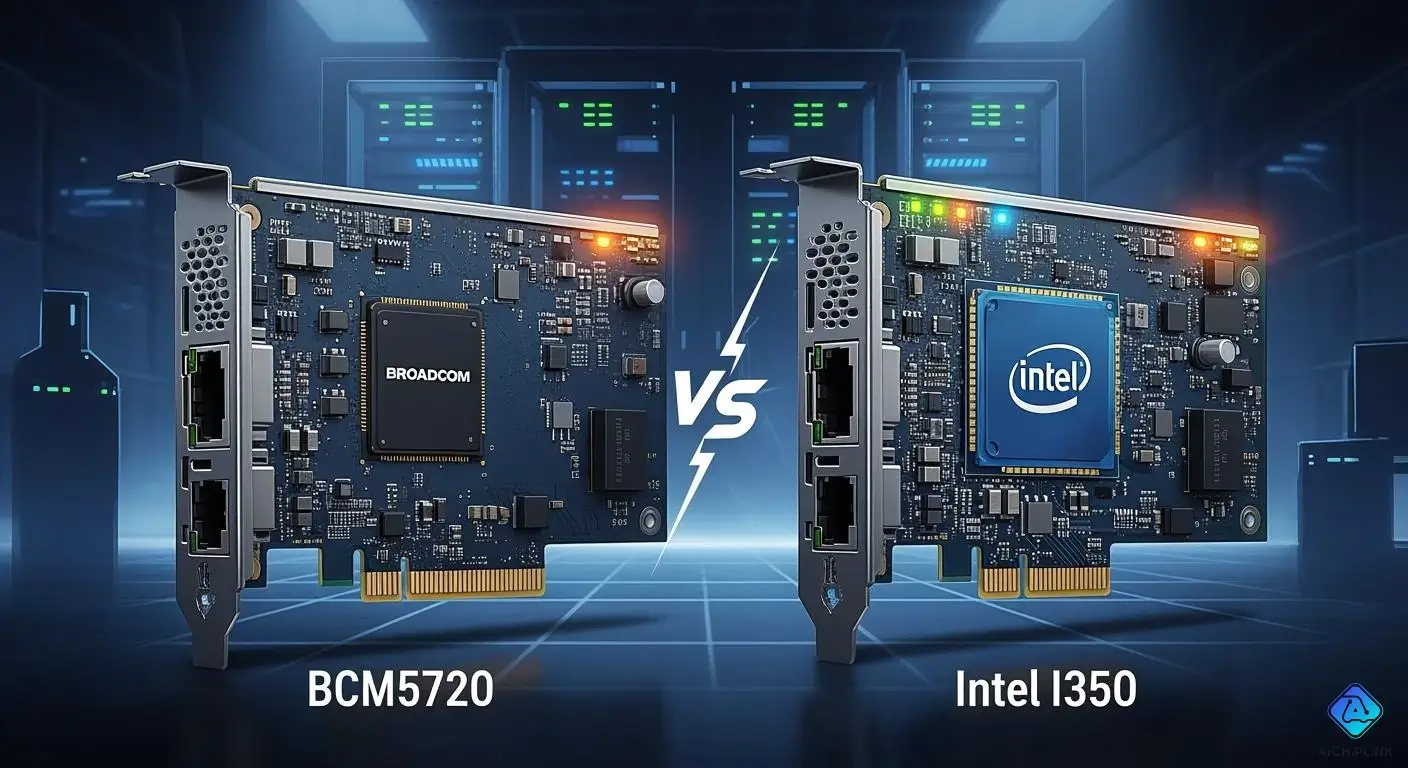
When you look at BCM5720 vs. Intel I350 for enterprise servers, the Intel I350 is often better. It gives strong reliability, great driver support, and advanced features. These features work well in tough environments. You should check if your server works with the NIC. Think about your virtualization needs and how much power you use. Every network is different, so pick the NIC that fits your work best.
Key Takeaways
-
The Intel I350 works well for high-performance jobs. It has advanced features like virtualization support and strong security.
-
The BCM5720 is a cheaper choice for simple networking jobs. It gives good performance and is not too complicated.
-
Think about what your server needs now and later before picking a NIC. The Intel I350 has more advanced features for networks that will grow.
-
Both NICs work with most operating systems. The Intel I350 has better driver support and gets updates more often.
-
Saving energy is important. The Intel I350 uses Energy Efficient Ethernet to save power when busy. The BCM5720 is made to use less power in simple setups.
BCM5720 vs. Intel I350: Key Features
BCM5720 Highlights
The BCM5720 is found in many basic and mid-level servers. This network interface card gives you good value and important features. It is a good choice for simple networking in your data center.
-
Dual-Port Gigabit Ethernet: There are two Gigabit Ethernet ports. You can connect to more than one network or join both ports for more speed.
-
Integrated PHY: The BCM5720 has a built-in PHY. This means you need fewer parts and can use less power.
-
Low Power Operation: The BCM5720 helps you save energy. It uses less power than older Broadcom NICs, so you spend less money on electricity.
-
Basic Offload Features: The card can do checksum offload and TCP segmentation offload. These features help your server move network data better.
-
Broad Compatibility: The BCM5720 works with many server brands. It also works with most big operating systems like Windows Server and Linux.
Tip: If you want a simple and steady NIC for basic jobs, the BCM5720 is a good pick. It does not have extra things you may not need.
Intel I350 Highlights
The Intel I350 is different from the BCM5720. You will see it in powerful enterprise servers. This NIC has special features for hard jobs and new data centers.
-
Quad-Port and Dual-Port Options: You can pick two or four Gigabit Ethernet ports. This lets you add more network links if you need them.
-
Advanced Virtualization Support: The I350 supports SR-IOV and VMDq. These help you run many virtual machines with fast network speed.
-
Comprehensive Offload Capabilities: You get more offloading, like Large Send Offload, Large Receive Offload, and VLAN tagging. These help your server’s CPU work less and move data faster.
-
Robust Security Features: The I350 has hardware security like IPsec and MACsec. These help keep your data safe as it moves.
-
Extensive Driver Support: Intel gives strong driver support for Windows, Linux, and VMware ESXi. You get updates and can use the NIC for a long time.
-
Energy Efficient Ethernet (EEE): The I350 uses EEE to save power when the network is not busy. This helps you use less energy in big setups.
Note: If you need strong virtualization, security, and speed, the Intel I350 is a smart choice. It gives you features for big jobs and future needs.
You should look at the BCM5720 vs. Intel I350 based on what your server does. The BCM5720 is good for simple networking and saving money. The Intel I350 is best for places that need high speed, strong virtualization, and good security.
Architecture Comparison
Hardware Design
When you look at the hardware, you see big differences. The BCM5720 is small and fits in basic servers. It has two Gigabit Ethernet ports. This is good for simple setups. The built-in PHY means there are fewer parts. This helps save space and uses less power.
The Intel I350 gives you more choices. You can pick two or four ports. It uses better silicon for faster data. The I350 has good heat sinks to keep it cool. It also has Energy Efficient Ethernet. This helps you save money on power.
Here is a table that shows the main hardware differences:
| Feature | BCM5720 | Intel I350 |
|---|---|---|
| Ports | Dual | Dual or Quad |
| Integrated PHY | Yes | No |
| Power Efficiency | Good | Excellent (EEE support) |
| Thermal Management | Basic | Advanced |
Tip: If you want more ports and better cooling, try the Intel I350.
Driver and Firmware Support
Driver and firmware support are important for your NIC. The BCM5720 has basic drivers for Windows Server and Linux. It works well for easy jobs. You do not get updates often, but big server brands still help you.
The Intel I350 is better here. It has strong drivers for Windows, Linux, and VMware ESXi. Intel gives updates often. This keeps your network safe and stable. The I350 has advanced features like SR-IOV and offloading. You can use it for virtual machines.
If you want a NIC that works with many systems and gets updates, pick the Intel I350. When you compare BCM5720 and Intel I350, Intel gives you more ways to grow later.
Performance and Reliability
Network Throughput
You need a network interface card that keeps your server fast. The BCM5720 NIC gives steady gigabit speed on both ports. This is important for jobs like virtualization or streaming data. The BCM5720 helps your apps answer quickly because it keeps transfer delays low.
The Intel I350 is also great for high speed. You can pick a card with two or four ports. This means you can add more network links if you need them. The I350 uses special offload features to help the CPU. Your server can move more network traffic without getting slow. Many companies see the I350 reach full gigabit speed on all ports, even when busy.
Here is a table that compares network throughput features:
| Feature | BCM5720 | Intel I350 |
|---|---|---|
| Max Throughput per Port | 1 Gbps | 1 Gbps |
| Consistency Under Load | High | Very High |
| Offload Capabilities | Basic (Checksum, TSO) | Advanced (TSO, LRO, VLAN, etc.) |
| Port Options | Dual | Dual or Quad |
Note: If you want steady gigabit speed for simple jobs, the BCM5720 is a good choice. If you need more power and more connections, the Intel I350 is better for busy places.
Stability in Enterprise Use
You want your network to work all the time, even when servers are busy. The BCM5720 gives stable connections for most jobs. It works well when you need steady speed but do not use the network too much. Many IT teams use the BCM5720 for sharing files, backups, and light virtualization.
The Intel I350 is even more stable. It has better error correction and strong firmware support. Intel gives updates often, so you avoid problems and stay safe. The I350 works well with lots of traffic, like in database clusters or virtual servers. It does not drop packets or slow down.
When you look at BCM5720 vs. Intel I350, both are reliable. The I350 gives extra safety for important jobs. You can trust it for big setups where you need the network up all the time.
Tip: If you need your network to never go down, pick the Intel I350. For smaller jobs, the BCM5720 is a good and cheaper choice.
Power Efficiency
Consumption Metrics
You want your servers to use less power. Lower power use means you save money and keep your data center cool. The BCM5720 and Intel I350 both focus on energy savings, but they do it in different ways.
The BCM5720 uses less power than older Broadcom cards. It works well for basic tasks and does not need much energy. You can trust it for small or medium workloads. The Intel I350 uses advanced technology called Energy Efficient Ethernet (EEE). This feature lets the card lower its power use when the network is not busy. You get better savings in large setups.
Here is a quick look at how both cards compare:
| NIC Model | Typical Power Draw | Energy Saving Features |
|---|---|---|
| BCM5720 | ~3.8W (dual port) | Low-power design |
| Intel I350 | ~4.2W (quad port) | EEE, dynamic power scaling |
Tip: If you run many servers or need to cut energy costs, the Intel I350 gives you more savings over time, especially in busy networks.
Thermal Management
Good thermal management keeps your servers running longer. Too much heat can slow down your network or cause failures. The BCM5720 has a simple design. It does not get very hot during normal use. You do not need special cooling for most setups.
The Intel I350 handles heat better in high-demand environments. It uses better heat sinks and spreads heat more evenly. You can run the I350 in dense server racks without worry. It stays cool even when you use all ports at full speed.
-
BCM5720: Stays cool in light workloads.
-
Intel I350: Handles heavy workloads and high temperatures.
Note: For large data centers or high-performance servers, you should choose the Intel I350. It manages heat better and keeps your network stable.
Virtualization and Advanced Functions
SR-IOV and Offloading
You want your network interface card to work well with virtualization. Both the BCM5720 and Intel I350 have features for virtual servers. These features let you run many virtual machines on one server. Your network will not slow down.
The table below shows the main virtualization and offloading features you get with these NICs:
| Feature | Description |
|---|---|
| SR-IOV | Lets you split the NIC into many virtual functions. Each VM can use its own network path. |
| VMDq | Helps manage network traffic for virtual machines. You get better speed and less delay. |
| TCP Segmentation Offload | Moves TCP segmentation work from the CPU to the NIC. Your server runs faster. |
| Large Receive Offload (LRO) | Combines small packets into bigger ones. This reduces CPU work and boosts performance. |
| Checksum Offload | Handles checksum calculations on the NIC. Your CPU can focus on other tasks. |
| VLAN Filtering | Filters VLAN tags for better network control. |
| Receive Side Scaling (RSS) | Spreads network traffic across CPU cores. You get better performance in busy servers. |
The BCM5720 gives you steady gigabit speed and low delay. This is good for storage, streaming, and running many VMs. Offloading features like TCP segmentation and checksum offload help your server. Your CPU does not have to work as hard. You can run more VMs on each server. Everything keeps working well.
The Intel I350 is also great for virtual servers. It works with VMware vSphere and other big platforms. You get strong performance and advanced offloading. Your network stays fast, even with more virtual machines.
Tip: If you want to use lots of virtualization or need to support many VMs, the Intel I350 gives you more advanced features and better support for new hypervisors.
Security Features
You need good security for your network. The BCM5720 has basic security features like VLAN filtering and checksum offload. These help you control traffic and keep data safe as it moves.
The Intel I350 has even stronger security. It supports hardware security like IPsec and MACsec. These features lock your data and protect it from attacks. You can trust the I350 to keep your network safe, even in big companies.
-
BCM5720: Basic security, good for simple setups.
-
Intel I350: Advanced security, best for sensitive or important data.
Note: If you need to protect your data, you should pick the Intel I350. It gives you strong security and peace of mind.
Compatibility and Integration
OS and Hypervisor Support
Your network card should work with your server’s system. Both the BCM5720 and Intel I350 support many big enterprise systems. You can use these NICs with Linux, Windows Server, and FreeBSD. They also work with VMware ESXi for virtual machines.
Here is a quick look at what they support:
| Operating Systems | Hypervisors |
|---|---|
| Red Hat | VMware ESXi |
| CentOS | |
| Ubuntu | |
| FreeBSD | |
| Windows Server Editions |
Both NICs work with most new server operating systems. If you use virtual machines, VMware ESXi support is strong. This makes it simple to set up your network in a virtual environment.
Tip: Always check your server’s list before buying a NIC. This helps you avoid problems when you set it up.
Server Hardware Compatibility
Your NIC should fit in your server and work fast. The BCM5720 and Intel I350 pass tests with big server brands. You can put these NICs in servers from Dell, HPE, Lenovo, and others. They also support many operating systems and virtualization platforms.
Here is a table that shows how the BCM5720 does in tests:
| NIC Model | Supported Operating Systems | Virtualization Support |
|---|---|---|
| BCM5720 | Red Hat, CentOS, Ubuntu, FreeBSD, Windows Server | VMware ESXi, Hyper-V, KVM |
You can see the BCM5720 works with many systems and hypervisors. The Intel I350 also works well, even if it is not listed in the table. Most servers find the Intel I350 without extra steps.
Note: If you want easy setup, both NICs give you strong support with today’s server hardware and software.
BCM5720 vs. Intel I350: Deployment Scenarios
Common BCM5720 Deployments
The BCM5720 is used when you want things simple and reliable. This NIC works well in many business setups:
-
Virtualization hosts and cloud systems. You can keep VM traffic and management traffic apart by using different physical links. This helps you run lots of virtual machines.
-
Storage networking and backup systems. The BCM5720 is good for SAN or NAS setups. Jumbo frame support and low CPU use help with iSCSI or NFS jobs.
-
High-availability and redundancy designs. You can set up active/standby failover and multi-homing. This lowers the chance of network problems and keeps things working.
Tip: Pick the BCM5720 if you want an easy way to handle virtual machines, storage, or backups. It gives steady performance without making things hard.
Common Intel I350 Deployments
The Intel I350 is great for bigger and tougher networks. You see this NIC where advanced features and strong backup are needed:
-
Dual ToR switch setup. You connect the management port to one switch. Both LOM ports go to the same switch. Two of the four NIC ports also go to the same switch. This makes your network safer.
-
Single ToR switch setup. You connect the management port and both LOM ports to one switch. This makes it easier to manage and keeps things neat.
-
Redundancy and complexity. Using two switches protects against switch, link, and port problems. You need two switches and special port setups for best safety.
Note: The Intel I350 is best for places that need advanced virtualization, fast speeds, and strong backup.
| Feature | Description |
|---|---|
| I/O Virtualization Support | You get lots of help for VMware NetQueue and Microsoft VMQ. |
| Traffic Management | Each port has 17 receive queues and 16 send queues for better control. |
| Power Efficiency | The NIC meets Energy Efficient Ethernet rules to save power. |
| Reliability | Function Level Reset helps fix errors in virtual setups. |
| Performance | You get steady gigabit speed and quick response for real-time data. |
When you look at BCM5720 vs. Intel I350, you see each NIC is good for different server jobs. The BCM5720 is best for simple and steady setups. The Intel I350 is better for big, fast networks with more features.
Choosing the Right NIC
Performance-Focused Environments
If you want your servers to be fast, the Intel I350 is a great pick. It works well when you need speed, strong reliability, and special features. The I350 helps with virtualization, offloading, and security. These things are important for big databases, virtual machines, and apps that need quick answers.
Think about these things if you care about performance:
-
Virtualization Support: The I350 lets you run lots of virtual machines. Your network will not slow down.
-
Advanced Offloading: The card has features that help your CPU. Your server can move data faster.
-
Security: The I350 uses hardware to keep your data safe.
-
Thermal Management: This NIC stays cool in crowded server racks.
Tip: If you need fast networking and special features, the Intel I350 is the best choice for hard jobs.
Cost and Legacy Considerations
Sometimes you need to save money or use older systems. The BCM5720 is a good and cheap option for many companies. It gives you basic offloading, steady gigabit speed, and works with old hardware.
Here is a simple table to help you choose:
| Factor | BCM5720 | Intel I350 |
|---|---|---|
| Price | Lower | Higher |
| Legacy Support | Excellent | Good |
| Advanced Features | Basic | Extensive |
| Power Efficiency | Good | Excellent |
-
Budget-Friendly: The BCM5720 costs less. You do not spend much on upgrades.
-
Legacy Hardware: The BCM5720 fits well with old servers and systems.
-
Simple Deployments: It is easy to set up for basic network needs.
Note: If you want to save money or keep old systems working, the BCM5720 is a smart pick. You still get good performance for daily jobs.
You want the best NIC for your enterprise servers. The Intel I350 stands out for reliability, strong driver support, and advanced features. You should consider these points when making your choice:
-
Intel I350 works well for virtualization and gives you steady network speed.
-
BCM5720 fits fiber setups and basic networking needs.
-
Your budget matters. Realtek options can save money for simple jobs.
You get long-term support and future-proofing with Intel I350. Pick the NIC that matches your server’s needs and your company’s plans.

Written by Jack Elliott from AIChipLink.
AIChipLink, one of the fastest-growing global independent electronic components distributors in the world, offers millions of products from thousands of manufacturers, and many of our in-stock parts is available to ship same day.
We mainly source and distribute integrated circuit (IC) products of brands such as Broadcom, Microchip, Texas Instruments, Infineon, NXP, Analog Devices, Qualcomm, Intel, etc., which are widely used in communication & network, telecom, industrial control, new energy and automotive electronics.
Empowered by AI, Linked to the Future. Get started on AIChipLink.com and submit your RFQ online today!
Frequently Asked Questions
What operating systems work best with Intel I350 and BCM5720?
You can use both NICs with Windows Server, Linux, and VMware ESXi. Intel I350 works with more drivers and gets updates often. BCM5720 works well with most big systems.
Can you use BCM5720 or Intel I350 for virtualization?
Both NICs let you run virtual machines. Intel I350 has special features like SR-IOV and VMDq for better virtualization. BCM5720 is good for simple virtual machine jobs.
How do you choose between BCM5720 and Intel I350 for legacy servers?
Pick BCM5720 if you have older hardware or want to save money. Intel I350 is better for new servers and advanced setups. Always check your server’s list before you buy.
Do these NICs support energy-saving features?
Both NICs help you use less power. Intel I350 uses Energy Efficient Ethernet (EEE) to lower power when needed. BCM5720 uses a design that saves energy for basic jobs.